

Choosing the right website features can make or break your small business in 2026. With mobile users forming over 60% of web traffic, New Zealand service businesses face mounting pressure to deliver fast, secure, and engaging online experiences. This checklist cuts through the noise to help you prioritise features that drive real results: better customer retention, increased efficiency, and measurable growth.
Table of Contents
- Selection Criteria: How To Choose Website Features That Deliver Results
- Essential Features Checklist: Must-Haves For NZ Service Business Websites
- WordPress Vs Shopify: Which Platform Suits NZ Service Businesses Best?
- Choosing Website Features Based On Your Business Needs
- Summary Comparison: Feature Attributes And Best Use Cases
- Build Your Ideal Small Business Website With Expert Support
- Frequently Asked Questions
Key takeaways
| Point | Details |
|---|---|
| Mobile-first design | Essential for visitor retention as mobile traffic exceeds 60% in 2026. |
| Security and privacy | Builds customer trust and ensures compliance with evolving standards. |
| AI chatbots and analytics | Boost engagement through 24/7 support and enable data-driven decisions. |
| Local SEO optimisation | Drives targeted traffic from New Zealand customers searching locally. |
| Platform choice matters | WordPress offers flexibility; Shopify suits e-commerce but limits service workflows. |
Selection criteria: how to choose website features that deliver results
Not every feature deserves equal attention. Smart business owners focus on what moves the needle: visitor retention, conversion rates, and operational efficiency. Start by evaluating features through three lenses: impact on user experience, technical compatibility with your existing systems, and alignment with your business model.
Mobile-friendliness and responsiveness top the priority list. Visitors abandon sites that load slowly or display poorly on smartphones. Security follows closely behind, as customers increasingly scrutinise how businesses protect their data. Beyond these fundamentals, consider features that address your specific pain points.
Core selection criteria:
- User experience impact: Does it reduce friction in the customer journey?
- Technical integration: Will it work seamlessly with your CRM, booking, or payment systems?
- Local relevance: Does it help New Zealand customers find and engage with your business?
- Budget alignment: Can you implement and maintain it without straining resources?
- Scalability: Will it support growth or require replacement in 12 months?
Service businesses often overlook how cost-saving website features reduce long-term expenses. Automated booking systems eliminate phone tag. Client portals decrease email volume. Analytics reveal which marketing channels actually work.
Pro Tip: Test features with real customers before full implementation. A simple prototype or trial period reveals usability issues that specs sheets miss.
Technical complexity matters less than business fit. A sophisticated feature that confuses your team creates more problems than it solves. Choose tools your staff can manage confidently, even if they seem less impressive than alternatives.
Essential features checklist: must-haves for NZ service business websites
Let’s break down the specific features that separate thriving service businesses from struggling ones in 2026.
1. Mobile-first design
Mobile traffic now exceeds 60% of all website visits. Your site must load quickly and display perfectly on phones and tablets. This means responsive layouts, touch-friendly buttons, and streamlined navigation. Service businesses lose potential clients within three seconds if pages stutter or require pinching and zooming.
Consider thumb-friendly tap targets for phone numbers and booking buttons. Place critical information above the fold. Test on actual devices, not just browser simulators.
2. Security and privacy safeguards
Customers expect advanced multi-layered security in 2026. SSL certificates are baseline requirements, not optional extras. Beyond encryption, implement regular security updates, backup systems, and secure payment processing. Data breaches destroy trust faster than any marketing campaign can rebuild it.
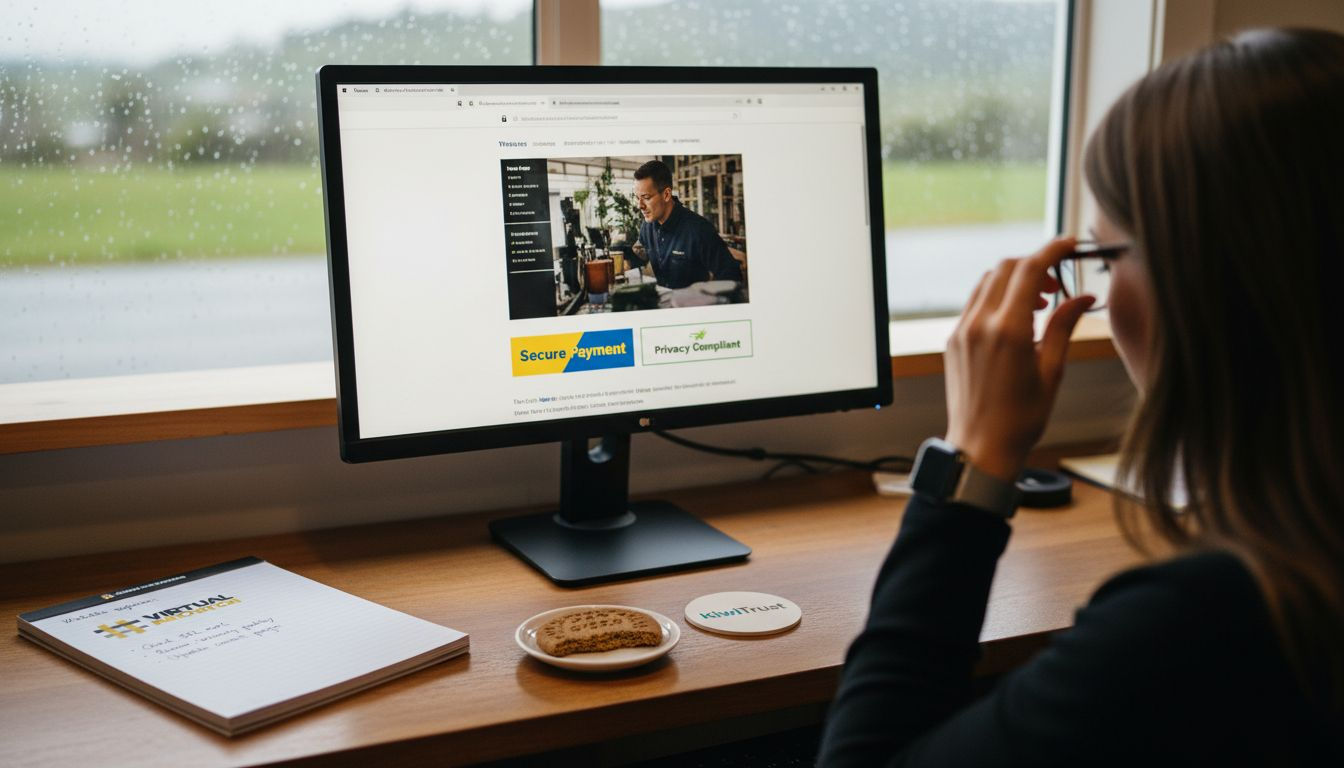
Display trust badges prominently. Create clear privacy policies. Show customers you take their information seriously through visible security measures.
3. AI chatbots for 24/7 engagement
Modern AI chatbots handle initial enquiries, book appointments, and answer common questions around the clock. They don’t replace human interaction but filter and qualify leads before they reach your team. This feature particularly benefits service businesses where timing matters: a plumber needed at midnight or a personal trainer sought on Sunday afternoon.
Configure chatbots to collect contact details and preferred callback times. Route urgent requests appropriately. Use conversation data to refine your FAQ content.
4. Real-time analytics
Guesswork wastes money. Analytics reveal which pages convert visitors, where people abandon your site, and which traffic sources deliver quality leads. Track user behaviour patterns, conversion funnel performance, and campaign effectiveness. Service businesses gain competitive advantages by understanding customer journeys in granular detail.
Set up goal tracking for key actions: form submissions, phone calls, booking completions. Review metrics weekly, not monthly. Adjust tactics based on what data actually shows.
5. Local SEO optimisation
New Zealand customers search locally. Google local SEO connects your business with nearby prospects actively seeking services. Optimise for location-specific keywords, claim and maintain your Google Business Profile, and encourage customer reviews. Service businesses thrive on local reputation and proximity.
Include suburb names in page titles and content. Create location-specific service pages. Build citations in New Zealand business directories.
6. Strategic platform choice
Your website platform determines which features you can implement easily versus those requiring custom development. WordPress and Shopify dominate the market but serve different needs. This choice affects everything from ongoing costs to feature availability.
7. Intuitive navigation
Visitors should find what they need within two clicks. Clear menu structures, logical page hierarchies, and prominent search functions reduce bounce rates. Service businesses must make contact information and service descriptions immediately accessible.
8. Compelling calls to action
Every page needs a clear next step: book a consultation, request a quote, call now. Position calls to action prominently, use action-oriented language, and create visual contrast. Vague phrases like “learn more” underperform specific directives like “get your free audit today”.
9. Accessibility features
Accessible websites reach broader audiences and meet evolving legal standards. Implement keyboard navigation, screen reader compatibility, and sufficient colour contrast. These features benefit everyone, not just users with disabilities.
Pro Tip: Use automated accessibility testing tools monthly to catch issues before they affect real users.
WordPress vs Shopify: which platform suits NZ service businesses best?
Platform choice shapes your feature options and long-term flexibility. WordPress and Shopify represent fundamentally different approaches to website management.
WordPress advantages for service businesses:
WordPress offers over 60,000 plugins and suits custom workflows perfectly. Service businesses benefit from specialised booking systems, membership areas, and complex content structures. You control every aspect of functionality and design. The trade-off is higher technical complexity requiring more hands-on management or developer support.
Integrations with CRM systems, email marketing, and payment processors offer extensive options. WordPress website design trends show increasing focus on service-specific templates and automation tools. Hosting costs vary widely based on traffic and performance needs.
Shopify strengths and limitations:
Shopify streamlines e-commerce but constrains service-focused workflows. The platform excels at product sales, inventory management, and payment processing. However, appointment booking, client portals, and complex service packages require third-party apps or workarounds.
Shopify websites work well for service businesses selling physical products alongside services. Pure service providers often struggle with platform limitations. Monthly costs remain predictable but can escalate with premium apps.
| Feature | WordPress | Shopify |
|---|---|---|
| Customisation | Extensive through plugins | Limited to apps and themes |
| Service booking | Native plugins available | Requires third-party apps |
| Learning curve | Steeper initially | Gentler for beginners |
| Ongoing costs | Variable hosting plus plugins | Predictable monthly fees |
| Best for | Custom service workflows | Product sales with services |
Pro Tip: Choose WordPress if you need complex service delivery workflows or custom client portals. Select Shopify only if product sales represent a significant revenue stream.
Consider your team’s technical comfort level honestly. A powerful platform your staff can’t manage effectively serves nobody. Factor in training time and ongoing support requirements when making this decision.
Choosing website features based on your business needs
Your business stage dictates feature priorities. Startups face different challenges than established firms, requiring tailored approaches to website investment.
Startup priorities (0-2 years):
- Mobile-first responsive design
- Basic security and SSL certification
- Clear service descriptions and pricing
- Simple contact forms or booking systems
- Foundational local SEO setup
Startups should avoid feature bloat. Focus on core functionality that converts visitors into customers. Fancy animations and complex integrations can wait until revenue supports them.
Growing business needs (2-5 years):
- AI chatbots for lead qualification
- Real-time analytics and conversion tracking
- Customer testimonials and case studies
- Email marketing integration
- Advanced booking and scheduling tools
Growth phase businesses benefit from automation that scales operations without proportional staff increases. Invest in features that provide actionable data for strategic decisions.
Established firm investments (5+ years):
- Client portals for self-service
- Advanced CRM integration
- Comprehensive accessibility features
- Multi-location management tools
- Sophisticated analytics and reporting
Mature businesses can justify investments in features that optimise efficiency and enhance customer experience. Cost-saving website features often deliver the highest ROI at this stage through operational improvements.
Pro Tip: Audit your current website quarterly to identify underutilised features and unmet needs. Technology evolves rapidly, and yesterday’s luxury becomes today’s necessity.
Budget constraints shouldn’t paralyse decision-making. Start with must-have features and add nice-to-haves incrementally as revenue grows. Many businesses over-invest in flashy features while neglecting fundamentals like mobile optimisation and security.
Summary comparison: feature attributes and best use cases
This table distils complex feature decisions into actionable insights based on impact, complexity, and business fit.
| Feature | Impact Level | Complexity | Cost Range | Best For | Platform Preference |
|---|---|---|---|---|---|
| Mobile-first design | Critical | Medium | Moderate | All businesses | Both |
| Security safeguards | Critical | Low-Medium | Low-Moderate | All businesses | Both |
| AI chatbots | High | Medium | Moderate-High | Growing+ firms | Both |
| Real-time analytics | High | Low-Medium | Low | All businesses | Both |
| Local SEO | High | Medium | Moderate | All NZ businesses | Both |
| WordPress flexibility | High | High | Variable | Custom workflows | WordPress |
| Shopify e-commerce | High | Low | Predictable | Product sellers | Shopify |
| Client portals | Medium | High | High | Established firms | WordPress |
| Accessibility features | Medium-High | Medium | Moderate | Growing+ firms | Both |
Impact level reflects potential effect on customer acquisition and retention. Complexity indicates technical skill required for implementation and maintenance. Cost ranges account for both initial setup and ongoing expenses.
Critical features should never be delayed or compromised. High-impact features justify prioritisation once fundamentals are solid. Medium-impact features enhance competitive positioning but aren’t make-or-break elements.
Build your ideal small business website with expert support
Navigating these feature decisions shouldn’t feel overwhelming. Virtual Innovation specialises in WordPress website design and Shopify websites tailored specifically for New Zealand service businesses. We understand the unique challenges facing Kiwi companies and cut through technical jargon to focus on what actually drives results.

Our Auckland-based team helps you prioritise features based on your business model, budget, and growth goals. We handle platform selection, feature implementation, and ongoing optimisation so you can focus on serving customers. Whether you’re launching your first website or refreshing an outdated one, we provide hands-on support that makes complex decisions straightforward.
Explore our web design Auckland services to see how we’ve helped service businesses transform their online presence. Let’s build a website that works as hard as you do.
Frequently asked questions
What website feature should NZ service businesses prioritise first?
Start with mobile-first design and security certification. These foundational elements affect every visitor interaction and search ranking. Without them, other features can’t deliver their full value.
How can AI chatbots improve my small business website?
AI chatbots provide instant responses 24/7, qualifying leads and booking appointments outside business hours. They reduce response times from hours to seconds, directly improving conversion rates and customer satisfaction.
Is WordPress better than Shopify for service-based businesses?
WordPress offers superior flexibility for service workflows with extensive plugin options and custom functionality. Shopify suits businesses selling products alongside services but limits pure service delivery customisation.
How much should small businesses budget for essential website features?
Expect initial investment between $3,000-$8,000 for professional implementation of core features, plus $50-$300 monthly for hosting, security, and maintenance. Costs scale with complexity and custom requirements.