

Table of Contents
In today’s digital age, your business’s local presence on Google is just as important as having a well-designed website. Especially here in New Zealand, where local trust and visibility are everything, making sure your business is well-tended on Google Local is like caring for a garden—it requires consistent attention, fresh content, and a few strategic tools.
In this article, we’ll explain how to optimise your Google Business Profile, use Google Maps for visibility, and how regular updates like reviews, images, FAQs, and posts can help your business bloom in local search results.
What Is Google Local, and Why Does It Matter?
Google Local (via your Google Business Profile) is one of the most powerful ways to appear when people in your area search for your services. Whether you’re a plumber in Tauranga or a digital agency in Auckland, when someone types “[your service] near me” or “[your service] in [city],” your Google listing can show up with key details like your name, phone, website, directions, opening hours, and—importantly—Google Reviews.
This is one of the best ways to get found online without paid ads. That’s why we call it the best search presence you can have locally.
→ Why Google Maps Is a Must for Local Visibility
Google Maps isn’t just for directions—it’s a search engine of its own. People trust businesses that appear in the “map pack” (the top 3 listings shown under the map when you search locally).
If your Google Business Profile is complete and active, you increase your chances of showing up on the map pack. This can drive:
- More phone calls
- More website visits
- More foot traffic (if you’re a physical business)
For service-based businesses in New Zealand, this can mean more job bookings and brand awareness—without having to compete in traditional search rankings.
→ The Power of Positive Reviews from Happy Customers
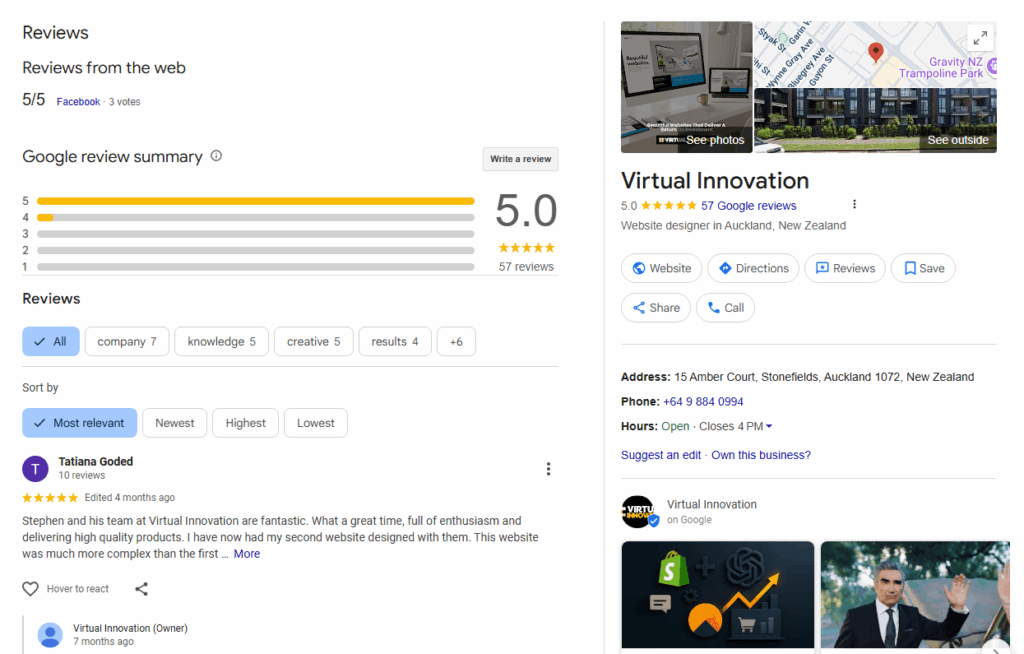
Reviews are the heart of your Google Local presence.
When customers leave a 5-star review, it tells Google—and future clients—that you’re trustworthy, reliable, and professional. It also impacts your ranking.
Here’s how to encourage reviews:
- Ask every happy client to leave a review after the job is done.
- Send a simple link via text or email (Google provides this in your profile).
- Thank reviewers personally with a reply (Google loves that too!).
→ Keep Your Profile Fresh: New Images & Updated Hours
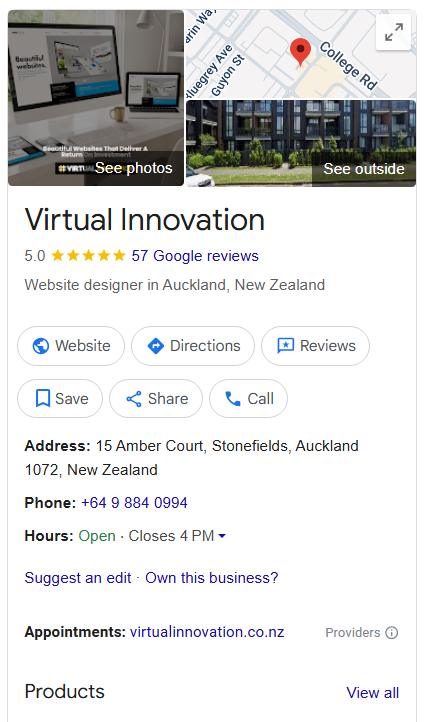
Google values activity. When you regularly upload new images, update your opening hours, or add a new service, Google sees your business as active and current.
What you can update weekly:
- → Team or project photos
- → New or seasonal business hours
- ✅ Updated services or promotions
Pro tip: Use images that are well-lit and show your branding (logos, uniforms, signage).
❓ Adding FAQs to Your Google Business Profile
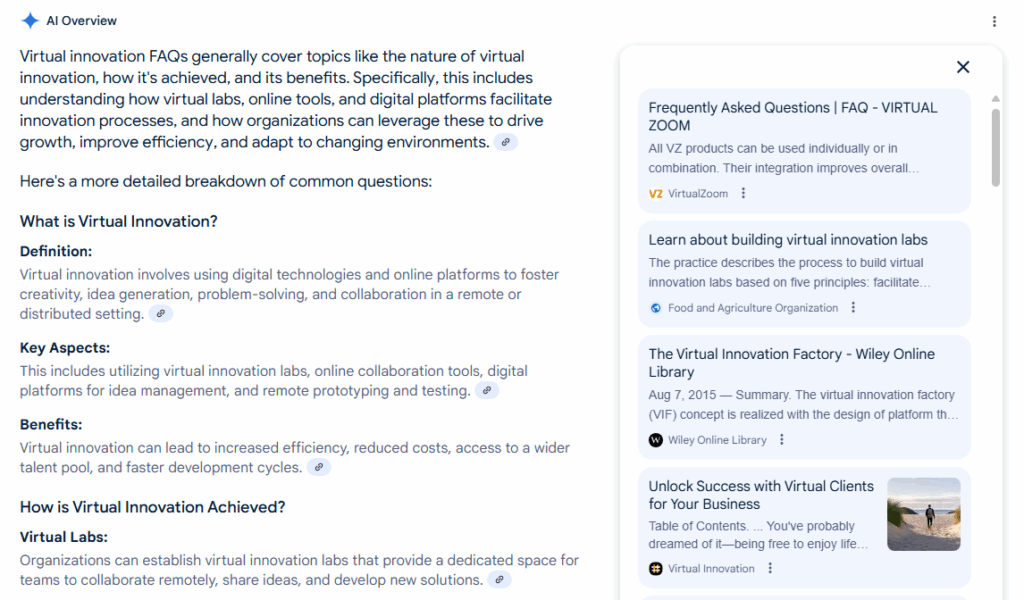
FAQs help answer common customer questions before they even contact you—and it helps your profile look more complete.
Good FAQ examples for service businesses:
- Do you offer free quotes?
- How quickly can I book an appointment?
- Are your services available on weekends?
- What areas do you service?
When people search these questions, your profile can appear in the results—giving you more visibility.
→ Posting Regular Updates to Your Google Listing
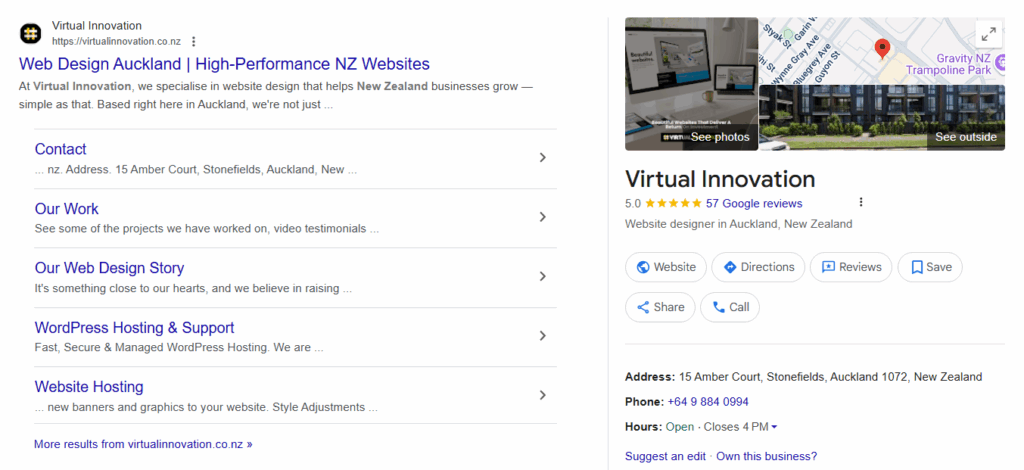
Google lets you post updates (like mini social media posts) directly to your Business Profile.
These posts appear in your listing and can include:
- Special offers
- New services
- Events
- Business milestones
Think of it as a way to show activity and keep your audience informed.
Post 1–2 times per week with:
- 100–300 words
- 1 image
- A call-to-action like “Book now” or “Learn more”
→ How This All Supports Your Ranking
The more active and optimised your Google Business Profile is, the more likely you are to appear:
- In the Google 3-Pack (local maps results)
- In organic local searches
- In voice searches (e.g., “Hey Google, find a plumber near me”)
It’s not a one-time setup. It’s an ongoing strategy—like tending a garden:
- → Reviews = watering your trust score
- → Images = blooming your visual brand
- → Posts & FAQs = growing relevance
✅ Quick Checklist: Local SEO Google Garden
Here’s your Local SEO To-Do List:
| Task | Frequency |
| Ask for reviews | After every job |
| Reply to reviews | Weekly |
| Upload new images | Weekly or Monthly |
| Update hours | As needed |
| Add FAQ | Every 1–2 months |
| Post on Google | Weekly |
| Track performance | Monthly in Google Insights |