

Many small business owners believe that once a website is built, it can run indefinitely without attention. This misconception leads to neglected sites that become security liabilities, drive customers away with poor performance, and lose search engine visibility. In reality, regular website maintenance is as essential as maintaining your physical shopfront. This guide explains why website upkeep is crucial for New Zealand service businesses seeking to enhance their online presence, protect their reputation, and increase efficiency. You’ll discover practical maintenance tasks, scheduling strategies, and how professional support can transform your digital performance.
Table of Contents
- Understanding The Importance Of Website Maintenance For NZ Small Businesses
- Core Benefits Of Regular Website Upkeep And How It Impacts Your Business
- Common Website Maintenance Tasks And How To Manage Them Efficiently
- Best Practices To Incorporate Website Maintenance Into Your Small Business Routine
- Discover Professional Website Design And Maintenance Services In New Zealand
- Frequently Asked Questions
Key takeaways
| Point | Details |
|---|---|
| Security protection | Regular updates prevent costly data breaches and protect customer information from cyber threats. |
| Enhanced user experience | Maintained websites load faster and function smoothly, building customer trust and encouraging repeat visits. |
| Improved search rankings | Search engines reward regularly updated websites with better visibility and higher organic traffic. |
| Preventative cost savings | Scheduled maintenance catches issues early, avoiding expensive emergency repairs and lost revenue from downtime. |
Understanding the importance of website maintenance for NZ small businesses
Your website represents your business 24/7, yet many service companies treat it as a set-and-forget asset. This approach creates serious vulnerabilities. Outdated websites become prime targets for hackers, with security vulnerabilities that could be exploited by malicious actors seeking to steal customer data or inject malware. When your site is compromised, you risk losing not just data but your hard-earned reputation and client trust.
Beyond security, maintenance directly affects how customers perceive your business. A well-maintained website loads quickly, displays correctly on all devices, and provides reliable functionality. When visitors encounter broken links, outdated information, or slow loading times, they question your professionalism and often leave for competitors. First impressions matter enormously online, where users form opinions within seconds.
Search engines like Google actively favour websites that receive regular updates and technical optimisation. Fresh content, updated plugins, and current security certificates signal that your business is active and trustworthy. Neglected sites gradually slip down search rankings, making it harder for potential clients to find you when they need your services.
Pro Tip: Schedule a monthly website review where you click through every page as if you’re a first-time visitor. This simple practice helps you spot issues before customers do.
Consider the financial impact of website downtime. Every hour your site is unavailable represents lost enquiries, missed sales opportunities, and frustrated customers who may never return. Regular maintenance prevents these costly interruptions by identifying and resolving issues before they escalate into full-blown crises.
“A maintained website isn’t an expense, it’s an investment in your business’s digital storefront. Just as you wouldn’t let your physical premises fall into disrepair, your online presence deserves the same attention and care.”
The reality is that websites require ongoing attention to remain effective business tools. Software updates, security patches, content refreshes, and performance optimisation all contribute to a site that works hard for your business rather than becoming a liability.
Core benefits of regular website upkeep and how it impacts your business
Security updates form the foundation of website maintenance. When service businesses maintain their websites, they experience fewer security incidents and higher client engagement. WordPress, Shopify, and other platforms regularly release patches to address newly discovered vulnerabilities. Applying these updates promptly closes security gaps before attackers can exploit them. A single breach can cost thousands in recovery expenses, legal fees, and lost business, making preventative maintenance remarkably cost-effective.

Site speed dramatically influences user behaviour and conversion rates. Research consistently shows that visitors abandon slow-loading websites within seconds. Regular maintenance includes optimising images, clearing cached data, and updating code to ensure your site loads quickly on all devices. Faster sites keep visitors engaged, reduce bounce rates, and improve the likelihood that potential clients will contact you or make purchases.
| Maintenance Activity | Business Impact | Frequency |
|---|---|---|
| Security updates | Prevents breaches, protects data | Weekly |
| Performance optimisation | Faster loading, better user experience | Monthly |
| Content updates | Improved SEO, customer engagement | Bi-weekly |
| Backup verification | Quick recovery from issues | Weekly |
Search engine optimisation benefits significantly from regular maintenance. Fresh content signals relevance to search algorithms, while technical updates ensure your site meets current SEO best practices. Broken links, missing metadata, and slow loading times all harm your search rankings. Maintaining these elements keeps your business visible when potential clients search for services you offer.
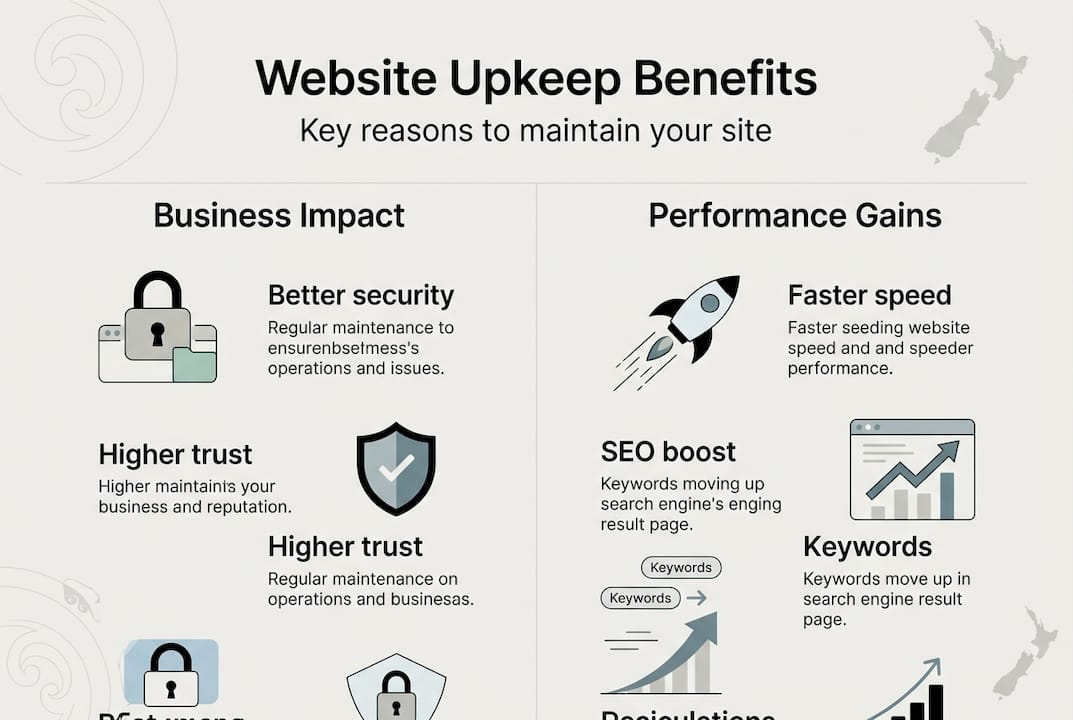
User experience improvements translate directly into business results. Updated contact forms that work reliably, clear calls to action, and current service information all make it easier for customers to do business with you. When your website functions smoothly, visitors spend more time exploring your offerings and are more likely to convert into paying clients.
Pro Tip: Set up Google Search Console and monitor it monthly for crawl errors, security issues, and search performance trends. This free tool provides invaluable insights into how search engines view your site.
Credibility and trust grow when your website reflects current information and professional presentation. Outdated copyright dates, old testimonials, or references to past events make visitors question whether your business is still operating. Regular content updates demonstrate that you’re active, engaged, and ready to serve new clients.
Common website maintenance tasks and how to manage them efficiently
Understanding specific maintenance tasks helps you develop an effective upkeep routine. Security scans should run daily or at minimum weekly, checking for malware, suspicious files, and unauthorised access attempts. Most hosting providers offer automated scanning tools that alert you to potential threats. Responding quickly to security warnings prevents minor issues from becoming major breaches.
Software updates require careful attention. Your content management system, themes, and plugins all need regular updates to patch vulnerabilities and add new features. Before applying updates, always create a complete backup of your site. Test updates on a staging environment when possible to ensure they don’t break existing functionality. This cautious approach prevents update-related disasters.
- Create comprehensive backups including databases, files, and configurations
- Store backups in multiple locations, including off-site cloud storage
- Test backup restoration quarterly to verify files aren’t corrupted
- Document your backup and restoration procedures for emergency reference
Content maintenance keeps your website relevant and engaging. Review all pages quarterly to update service descriptions, pricing, team information, and contact details. Check that images display correctly and links lead to intended destinations. Scheduling regular updates minimises the risk of website issues and keeps information current for visitors.
| Tool | Best For | Key Features | Pricing |
|---|---|---|---|
| ManageWP | Multi-site management | Bulk updates, automated backups | Free to $2/site monthly |
| UpdraftPlus | WordPress backups | Scheduled backups, cloud storage | Free to $70 annually |
| Sucuri | Security monitoring | Malware scanning, firewall | From $200 annually |
| GTmetrix | Performance testing | Speed analysis, recommendations | Free to $15 monthly |
Performance monitoring reveals how well your site serves visitors. Tools like GTmetrix or Google PageSpeed Insights analyse loading times and identify bottlenecks. Regular performance checks help you maintain fast loading speeds that keep customers engaged. Address issues like oversized images, inefficient code, or slow server response times promptly.
Database optimisation becomes necessary as your site accumulates data over time. WordPress databases, for example, collect post revisions, spam comments, and transient options that slow performance. Monthly database cleaning removes unnecessary data and optimises table structures for faster queries.
- Monitor uptime to ensure your site remains accessible
- Review analytics monthly to understand visitor behaviour
- Check mobile responsiveness across different devices
- Verify forms and interactive features function correctly
- Update SSL certificates before expiration
Best practices to incorporate website maintenance into your small business routine
Creating a maintenance schedule transforms overwhelming tasks into manageable routines. Start by listing all necessary activities and assigning realistic frequencies based on your site’s complexity and traffic levels. A simple service business website might need weekly security checks and monthly content reviews, while a busy e-commerce site requires daily monitoring.
Deciding between self-maintenance and professional services depends on your technical skills, available time, and risk tolerance. Basic tasks like content updates and visual checks are manageable for most business owners. However, security management, performance optimisation, and technical troubleshooting often benefit from professional WordPress developers who bring specialised expertise and efficiency.
Pro Tip: Create a simple spreadsheet tracking all maintenance tasks, completion dates, and any issues discovered. This documentation helps you spot patterns and proves invaluable when troubleshooting problems or working with developers.
Regular review meetings, even if just with yourself, ensure maintenance doesn’t slip through the cracks. Schedule monthly sessions to assess website performance, review analytics, and plan upcoming content or feature updates. These dedicated times prevent maintenance from becoming an afterthought amid daily business pressures.
Professional maintenance services offer several advantages beyond technical expertise. Developers provide proactive monitoring that catches issues before they impact customers. They stay current with platform changes, security threats, and optimisation techniques that busy business owners struggle to track. Many agencies offer maintenance plans that include regular updates, security monitoring, performance optimisation, and priority support when issues arise.
- Document login credentials and hosting details in a secure password manager
- Establish clear communication channels with your web developer or maintenance provider
- Set realistic budgets that account for both routine maintenance and occasional improvements
- Plan major updates during low-traffic periods to minimise customer disruption
- Keep stakeholders informed about maintenance schedules and any expected downtime
Consider maintenance an ongoing investment rather than a recurring cost. The money and time spent on regular upkeep prevent expensive emergency repairs, protect against security breaches, and ensure your website continues generating leads and sales effectively. Well-maintained websites deliver better returns on your initial development investment by remaining effective business tools for years.
Discover professional website design and maintenance services in New Zealand
Maintaining a website alongside running your service business can feel overwhelming. Professional support ensures your online presence remains secure, fast, and effective without consuming your valuable time. Virtual Innovation specialises in helping Kiwi service companies optimise their digital presence through expert WordPress website design and comprehensive maintenance solutions.

Our team understands that small business owners need reliable, straightforward support without technical jargon. We provide tailored maintenance plans that keep your website performing optimally while you focus on serving clients and growing your business. From security monitoring to performance optimisation, our expert WordPress developers handle the technical details so you don’t have to. Explore our complete maintenance guide to learn how professional support can transform your website into a powerful business asset.
Frequently asked questions
How often should I perform website maintenance for my small business?
Perform critical security checks and backups weekly to protect against threats and data loss. Content reviews and minor updates work well on a monthly schedule, ensuring information remains current without overwhelming your time. Conduct comprehensive audits quarterly to assess overall performance, identify improvement opportunities, and plan strategic updates. Your specific frequency depends on website complexity, traffic levels, and how frequently you add new content or services.
Can I maintain my website myself, or should I hire a professional?
Simple tasks like updating text, adding blog posts, and checking for broken links are manageable if you have basic technical skills and available time. However, security management, performance optimisation, and technical troubleshooting require specialised knowledge that professionals provide more efficiently. Many businesses find a hybrid approach works best, handling routine content updates themselves while outsourcing technical maintenance to experts. This balance maximises cost-effectiveness while ensuring critical security and performance tasks receive proper attention.
What risks do I face if I neglect website maintenance?
Security vulnerabilities grow more severe over time, making your site an easy target for hackers seeking to steal customer data or inject malware. Poor performance from outdated code and unoptimised files frustrates visitors, causing them to abandon your site for faster competitors. Search engine rankings decline as algorithms recognise your site as outdated and poorly maintained, reducing organic traffic significantly. These combined factors lead to lost sales, damaged reputation, and potentially expensive recovery costs when problems eventually force action.
Are website maintenance services expensive for small businesses?
Maintenance costs vary based on your website’s complexity and service level required, typically ranging from $100 to $500 monthly for small business sites. While this represents an ongoing expense, it prevents far costlier problems like security breaches, extended downtime, or emergency repairs that can cost thousands. Many agencies offer scalable plans that fit small business budgets, with options to adjust services as your needs change. Consider maintenance an insurance policy that protects your digital investment and ensures consistent business performance.