

Many small business owners think prototyping delays website launches. The data tells a different story: prototyping speeds development by up to 30%. This guide explains what website prototypes are, their benefits, common myths, types, and how to create them. You’ll discover how prototyping saves time, money, and produces better websites for your business.
Table of Contents
- What Is A Website Prototype?
- Why Website Prototyping Matters For Small Businesses
- Common Misconceptions About Website Prototypes
- Types Of Website Prototypes And When To Use Them
- How To Create And Use A Website Prototype: A Step-By-Step Guide
- Bridging Understanding To Action: Using Prototypes To Achieve Business Success
- Discover Expert Website Design Services In Auckland
Key Takeaways
| Point | Details |
|---|---|
| Definition | Interactive early models that enable testing before full development begins |
| Communication | Improves stakeholder alignment and reduces costly misunderstandings |
| Types | Low, mid, and high fidelity prototypes serve different project stages |
| Speed | Accelerates development by 20 to 30 percent through early issue detection |
| Universal Value | Benefits all business sizes, not just large enterprise projects |
What is a Website Prototype?
A website prototype is an interactive early model of your site created before full development. It bridges the gap between your initial concept and the finished product. Think of it as a test drive for your website’s layout, navigation, and key features.
Prototypes differ from wireframes and mockups in important ways. Wireframes are static layouts showing page structure without interactivity. Mockups add visual design elements like colours and fonts but remain non-functional. Prototypes bring interactivity, letting you click through pages and test user flows.
Key distinctions:
- Wireframes show structure only
- Mockups display visual design
- Prototypes simulate actual user interactions
- Each serves a specific website design workflow stage
Prototyping identifies usability and navigation issues early, preventing costly mistakes after site launch. Testing navigation paths before coding saves hours of rework. You can spot confusing menus, broken user journeys, or missing features when changes cost minutes instead of days.
Pro Tip: Start with paper sketches before digital tools. This quick approach helps clarify ideas without technology barriers. Once your concept solidifies, move to digital website prototype definition tools for interactive testing.
Why Website Prototyping Matters for Small Businesses
Prototyping delivers concrete advantages for Auckland small businesses. Early issue identification reduces rework costs dramatically. Finding a navigation problem in a prototype costs pennies compared to fixing it in live code.
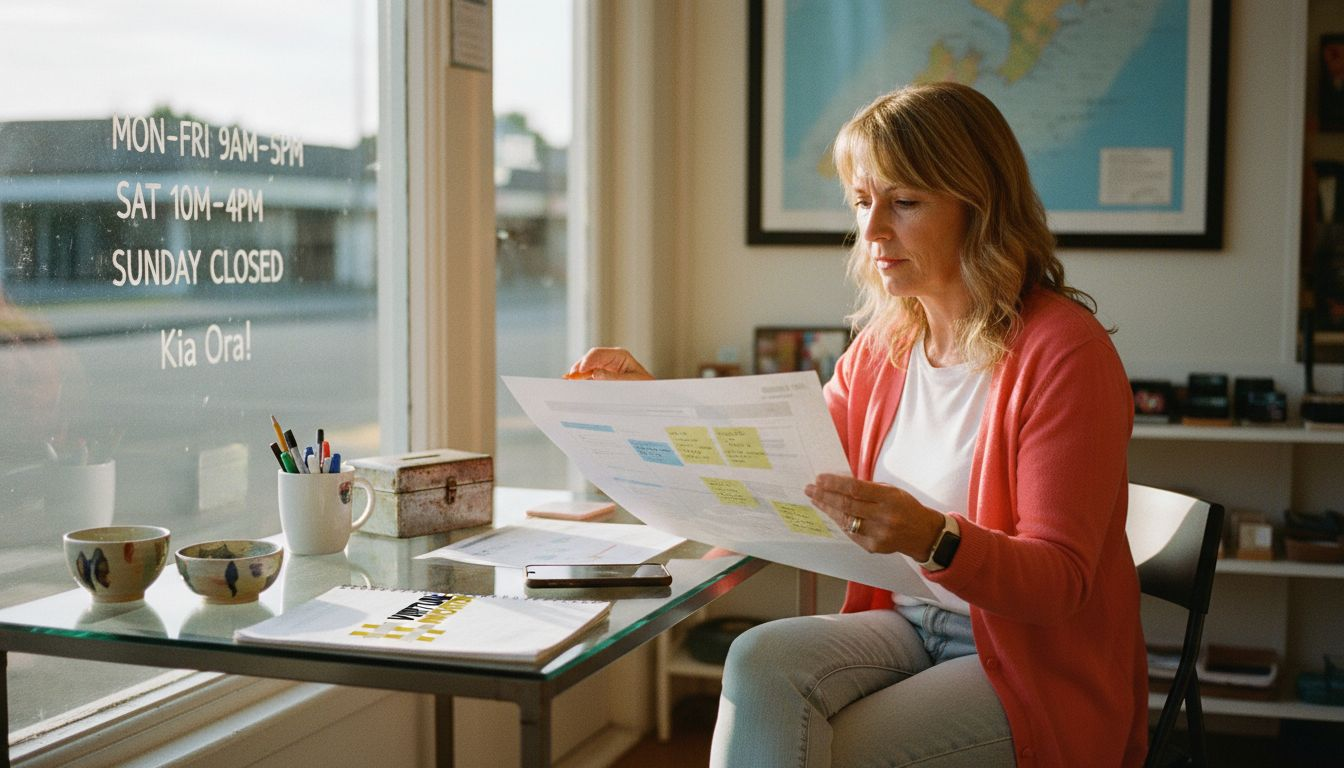
Communication improves when everyone views the same interactive model. Your team, designer, and developer share a clear vision. Website prototypes improve communication between stakeholders, aligning teams with a clear vision of the final product. Misunderstandings disappear when people click through actual flows.
Primary benefits:
- Cost reduction through early error detection
- Faster approval cycles with stakeholder clarity
- Better alignment between features and business goals
- Increased confidence in final design decisions
Prototyping ensures your website serves actual business needs, not just aesthetic preferences. You test whether booking forms make sense for customers. You verify service pages guide visitors toward enquiries. This validation happens before expensive development begins.
Early testing with prototypes accelerates development by approximately 20 to 30 percent, reducing costly revisions later. Your developer receives clear specifications instead of vague descriptions. Scope creep decreases because requirements are visible and tested upfront.
Statistic: Development time drops by 20 to 30 percent when teams use prototypes, translating to thousands saved on typical projects.
Pro Tip: Involve actual customers in prototype testing. Their feedback reveals issues your team might miss. Schedule three to five user tests to gather actionable insights before finalising designs. These sessions often surface unexpected improvements that boost professional web design benefits significantly.
Common Misconceptions About Website Prototypes
Several myths prevent small businesses from adopting prototyping. Understanding the truth helps you make informed decisions about your web project.
Myth number one: prototyping delays launch dates. Reality shows the opposite. A common misconception is that prototyping delays website launch; in reality, prototyping saves time by revealing issues early. Fixing problems in prototypes takes hours. Fixing the same problems in coded sites takes weeks.
Common myths debunked:
- Prototyping wastes time (actually saves 30 to 50 percent of development time)
- Only large companies need prototypes (small sites benefit equally)
- Wireframes and prototypes are identical (wireframes lack interactivity)
- Skipping prototyping speeds launches (usually causes expensive delays)
Many confuse wireframes with prototypes. Wireframes show static page layouts. Prototypes let you click buttons, navigate menus, and experience user flows. This interactivity reveals usability issues wireframes cannot detect.
Another belief: prototyping suits only complex projects. Small business websites gain massive value from prototyping. A five-page site still needs logical navigation and clear calls to action. Testing these elements before coding prevents costly redesigns.
Skipping prototypes often backfires. Developers build based on written descriptions, which everyone interprets differently. The resulting website rarely matches expectations. Revisions pile up. Budgets balloon. Launch dates slip. Understanding these web design myths helps you avoid expensive mistakes and make confident prototyping decisions.
Types of Website Prototypes and When to Use Them
Three main fidelity levels serve different project phases. There are three main fidelity levels of prototypes: low-fidelity (basic wireframes), mid-fidelity (content and navigation), and high-fidelity (interactive and visually polished). Each type addresses specific testing needs.
Low-fidelity prototypes use simple wireframes showing basic page structure. They work perfectly for early concept validation. You sketch layouts, test information hierarchy, and gather initial feedback. These prototypes cost little time and money, making them ideal for exploring multiple directions.
Mid-fidelity prototypes add actual content and clickable navigation. They let stakeholders experience user journeys with real text and images. Use these prototypes to validate content strategy and navigation logic before investing in visual design.
High-fidelity prototypes include detailed visuals, brand colours, and full interactivity. They closely resemble the finished website. These prototypes secure stakeholder approval, conduct usability tests, and provide developers with precise specifications.
| Prototype Type | Best Use Case | Key Features | Development Stage |
|---|---|---|---|
| Low-Fidelity | Early concepts | Basic wireframes, simple layouts | Initial planning |
| Mid-Fidelity | Content validation | Actual text, basic navigation | Mid development |
| High-Fidelity | Final approval | Full design, complete interactions | Pre-development |
Choosing the right fidelity:
- Start low-fidelity for quick concept tests
- Move to mid-fidelity once structure is validated
- Use high-fidelity for final approvals and developer handoff
- Progress through levels as certainty increases
Using multiple fidelity levels throughout your prototype fidelity levels workflow ensures progressive refinement. You avoid investing heavily in designs that might need fundamental changes. Each level reduces uncertainty before moving forward.
How to Create and Use a Website Prototype: A Step-by-Step Guide
Creating effective prototypes follows a straightforward process. These steps work for businesses of any size.
-
Define goals and audience. Clarify what your website must achieve and who will use it. List specific business objectives like generating enquiries or showcasing services. Identify your target audience’s needs and technical comfort levels.
-
Sketch low-fidelity wireframes. Map page layouts on paper or digital tools. Focus on information hierarchy and navigation structure. Don’t worry about colours or detailed content yet.
-
Develop interactive prototypes. Move wireframes into prototyping tools. Add clickable elements, navigation menus, and key user flows. Include enough content to make interactions realistic.
-
Collect feedback systematically. Share prototypes with stakeholders and potential users. Ask specific questions about navigation clarity, content understanding, and task completion. Document all feedback for analysis.
-
Iterate and refine continuously. Update prototypes based on feedback. Test again. Repeat until major issues disappear and stakeholders approve the direction.
-
Hand off to developers. Provide your development team with the final prototype plus annotations. Include interaction notes, content specifications, and technical requirements.
Early testing with prototypes accelerates development by approximately 20 to 30 percent, reducing costly revisions later. Following these practical prototyping steps keeps projects on track and within budget.
Pro Tip: Test prototypes with three distinct user types. Include a tech-savvy user, an average user, and someone less comfortable with technology. This range reveals accessibility issues and ensures your site works for everyone. Consider working with professional prototyping services if you lack internal resources or need expert guidance.
Bridging Understanding to Action: Using Prototypes to Achieve Business Success
Prototypes transform how businesses approach website development. They clarify project scope from day one. Everyone knows exactly what to expect. Scope creep decreases because features are visible and agreed upon before coding starts.
User experience testing happens before expensive development. You discover whether customers understand your service offerings. You see if booking forms make sense. These insights drive better decisions and higher conversion rates.
Business outcomes from prototyping:
- Reduced development costs through early problem detection
- Faster time to market with fewer revision cycles
- Improved user engagement from tested, validated designs
- Better ROI through websites that meet actual user needs
Communication between business owners and developers improves dramatically. Prototypes serve as practical specification documents, enabling clearer understanding for developers and reducing misinterpretation risks. Technical teams build what you actually want, not what they think you described.
“Prototypes eliminate the guesswork from web development. They transform abstract ideas into concrete experiences everyone can evaluate and improve together.”
This collaborative approach builds confidence. You make informed decisions based on testing, not assumptions. Stakeholders see progress early and often. Surprises disappear. The final website reflects genuine business needs validated through systematic testing.
Prototypes particularly benefit service businesses needing to explain complex offerings clearly. Testing different explanation approaches before launch ensures your message resonates with potential customers. This validation drives higher enquiry rates and better qualified leads. Understanding the prototype impact on business success helps you appreciate why leading companies consistently use prototyping. The combination of prototype developer communication clarity and user testing creates websites that genuinely serve business objectives.
Discover Expert Website Design Services in Auckland
Prototyping principles work best with experienced implementation. Virtual Innovation specialises in WordPress website design services and Shopify solutions tailored for Auckland small businesses. We incorporate professional prototyping into every project, avoiding costly delays and miscommunication.
Our local Auckland team understands service company challenges. We create high-performance website design in Auckland that enhances your online presence efficiently. From initial prototypes through launch and beyond, we deliver website design Auckland solutions that drive real business results. Let’s discuss how prototyping can transform your next web project.
FAQ
What is the difference between a wireframe and a prototype?
Wireframes are static layouts showing page structure and content placement without interactivity. Prototypes are interactive simulations allowing users to click through pages and experience navigation flows. Prototypes provide realistic user journey testing before development begins, revealing usability issues wireframes cannot detect.
Can small businesses benefit from website prototypes?
Absolutely. Prototyping helps identify navigation and content issues early, saving money even for simple five-page sites. It improves communication between business owners and developers regardless of company size. Small businesses often gain proportionally greater value because every dollar saved matters more to tighter budgets.
Which tools are best for beginners in website prototyping?
Free tools like Wireframe.cc work brilliantly for low-fidelity prototypes and quick structural sketches. Figma and Adobe XD offer more features for high-fidelity interactive prototypes with visual design elements. Choose tools matching your comfort level and project complexity. Start simple and progress to advanced tools as your best prototyping tools for beginners needs grow.
How does prototyping improve communication with developers?
Prototypes act as visual and interactive specifications that clarify exact requirements and expected behaviours. Developers see precisely what to build rather than interpreting written descriptions differently. This reduces misinterpretation risks, eliminates back-and-forth clarification questions, and saves significant time during development phases.