

Launching a website can feel overwhelming when every day brings fresh demands for Auckland tradies and healthcare professionals. Without clear direction, projects easily stall or take costly turns. Setting aside time to define project goals and gather requirements is the most reliable way to focus everyone’s efforts. You will see how project objectives that are specific, measurable, and time-bound give your website project a real shot at supporting your business growth.
Table of Contents
- Step 1: Define Project Goals And Gather Requirements
- Step 2: Organise Assets And Choose The Right Platform
- Step 3: Build Site Structure And Layout Efficiently
- Step 4: Implement Design Elements And Optimise Content
- Step 5: Test, Review And Launch Your Business Website
Quick Summary
| Key Point | Explanation |
|---|---|
| 1. Define clear project goals | Establish specific, measurable, and time-bound objectives to align your team and focus on desired outcomes. |
| 2. Organise digital assets efficiently | Collect and centralise all necessary logos, images, and documents beforehand to enhance collaboration and streamline the design process. |
| 3. Plan site structure for usability | Create a logical sitemap based on customer journeys to ensure visitors can easily navigate your website and find information. |
| 4. Test thoroughly before launching | Conduct comprehensive testing across browsers and devices to catch issues and ensure a smooth user experience before going live. |
| 5. Involve your team in the process | Engage stakeholders and team members throughout the project to gather insights and create a website that meets collective needs. |
Step 1: Define project goals and gather requirements
Before you touch a design tool or write a single line of code, you need to understand what success looks like. Project objectives are specific, measurable, and time-bound goals that keep your entire team pulling in the same direction. This step is where you move from “we need a website” to “we need a website that generates 20 qualified leads per month.”
Start by sitting down with your stakeholders. That means the business owner, the person running daily operations, and anyone else with a stake in the outcome. These conversations are gold because they reveal what actually matters versus what sounds good in theory.
Ask these questions directly:
- What problem does this website solve for your customers?
- How will you measure whether the website is working?
- Who are your ideal customers, and what do they need from you?
- What does success look like in six months?
- What frustrates you about your current website (if you have one)?
Requirement gathering is about understanding both the business side and the user side. You need to know what your customers actually want, not just what you think they want. The best way to get this right is through stakeholder meetings and workshops where you consolidate input early. This prevents expensive mistakes later when you discover halfway through development that everyone had different ideas.
Document everything. Create a simple list of requirements that everyone agrees on. Make sure each one is clear enough that someone unfamiliar with your business could understand it. Vague requirements like “make it modern” lead to endless back-and-forth. Specific requirements like “display customer testimonials with photos and star ratings” give your designer something concrete to work with.
Clear goals at the start reduce costly missteps and ensure your final website actually delivers the business results you’re after.
One more thing: involve your team in this process. If you’re a tradie running a busy job, take 30 minutes with your office staff. If you’re a healthcare provider, talk to your reception team about what questions patients ask most. They know your business inside out.
Pro tip: Write your goals down and share them with your designer or developer before the first design meeting. This single action cuts revision rounds in half because everyone’s working from the same playbook.
Step 2: Organise assets and choose the right platform
You’ve got goals sorted. Now it’s time to wrangle all the bits and pieces you’ll need for your website. By “assets,” we mean logos, photos, videos, brand guidelines, content documents, anything that’ll go into building your site. Getting these organised before you start designing saves enormous amounts of time and frustration.
Think of it like prepping your tools before a job. You wouldn’t show up to a plumbing call without your gear scattered across three vans. Same principle here. Gather everything in one place so your designer or developer can find what they need instantly.
Start by collecting your assets in folders:
- Brand files (logos, colour palettes, fonts)
- Product or service photos
- Customer testimonials or case studies
- Content you’ve already written
- Brand guidelines or style documents
- Competitor website screenshots (if you’ve saved any)
Centralising digital assets with proper tools enhances collaboration and keeps everyone on the same page. You’ll want version control so nobody’s working from an outdated logo. You’ll want access permissions so confidential client photos stay private. And you’ll want analytics to track what’s being used most.
Now for platform choice. Centralizing digital assets with management tools ensures brand consistency and makes repurposing files straightforward. Most service businesses use either WordPress or Shopify for their websites, and both integrate well with cloud storage systems like Google Drive or Dropbox. Choose whichever fits how you work.
For a tradie business or healthcare practice, WordPress usually wins because it’s flexible and doesn’t force you into e-commerce features you don’t need. Shopify works better if you’re selling products online. Either way, organise your assets first and the platform choice becomes clearer.

Here’s a summary of common website platforms for Australian service businesses:
| Platform | Best For | Key Benefits | Typical Challenges |
|---|---|---|---|
| WordPress | Tradie and healthcare sites | Highly flexible, simple editing | Requires updates, can be complex |
| Shopify | Businesses selling products | Easy online sales, built-in SEO | Limited customisation, monthly fees |
| Wix | Small businesses and startups | Drag-and-drop, fast setup | Less scalable, fewer integrations |
| Squarespace | Creative professionals | Stylish templates, easy hosting | Fewer plugins, limited e-commerce |
Organised assets at the start prevent last-minute scrambling when your designer needs that high-resolution product photo you swear you have somewhere.
One practical move: ask yourself what your designer will ask for. Content, images, and brand guidelines top the list. Prepare these upfront and you’ll move through the design phase in weeks, not months.
Pro tip: Create a shared folder with a simple naming system (like “Logo Versions” or “Team Photos”) and share the link with your designer before they start. This prevents the email chain of attachments that eats up time.
Step 3: Build site structure and layout efficiently
Now that you’ve got your assets ready, it’s time to map out how your website actually works. Site structure is the skeleton of your website, and getting it right means visitors find what they need without frustration. A poorly structured site loses customers before they even reach your contact form.
</div>Start by thinking like your customer. If someone lands on your plumbing business website, where would they look to check your service areas? If they’re visiting a physio clinic, how would they book an appointment? Map out these customer journeys before you design a single page.
Create a simple sitemap on paper or in a document. List your main pages first:
- Homepage
- About us or our story
- Services or offerings
- Testimonials or case studies
- Contact or booking page
- Blog or resources (optional but helpful)
Planning information architecture with wireframes ensures usability and logical flow for visitors. Wireframes are basically sketches showing where buttons, text, and images go on each page. You don’t need fancy software. Paper sketches work perfectly. Show your designer a rough layout and you’ll avoid expensive revisions later.
Think about responsive design too. Your site needs to work on phones, tablets, and desktops. This isn’t optional anymore. Most of your customers are browsing on mobile, so if your layout breaks on a small screen, you’ve lost them.
Work with your designer or developer on this step. They’ll see technical things you might miss, like whether your navigation makes sense for different screen sizes. This collaboration prevents frustration when the site goes live and nobody’s happy with how it feels to use.
A clear site structure with thoughtful layout stops customers from getting lost and keeps them moving toward your conversion goals.
Once you’ve got wireframes approved, you’re ready to move into the design phase. Everyone’s aligned on what pages you need and how they connect.
Pro tip: Test your sitemap with someone unfamiliar with your business. Ask them to find specific information. If they struggle, your structure needs tweaking before design even starts.
Step 4: Implement design elements and optimise content
This is where your website actually comes to life. Your designer will take the wireframes and turn them into something visually polished. Your developer will build the backend. But here’s what matters for you: making sure the design works for your customers and your search rankings.
Design implementation brings together how your site looks with how it performs. Your designer should be thinking about responsive layouts that work beautifully on phones and tablets, not just desktops. They should consider accessibility too. If someone’s colour blind or using a screen reader, your site should still make sense.
Focus on these design elements:
- Clear, readable typography that doesn’t strain eyes
- Colour schemes that reflect your brand and guide attention
- Button placement that makes calls-to-action obvious
- White space that prevents the page from feeling cluttered
- Fast-loading images optimised for web
Content is equally critical. Responsive design and performance optimisation should work hand in hand with your content strategy. Your words need to be scannable. People don’t read websites; they skim them. Break up paragraphs into short chunks. Use headings to guide readers through your message.
Structure your content for search engines too. Use your target keywords naturally in headings and opening paragraphs. A tradie website mentioning “plumbing services in Auckland” in the page heading helps Google understand what you do. A healthcare clinic describing “physiotherapy for sports injuries” in the service page does the same.
Write for your actual customers, not for algorithms. If your copy sounds robotic, no one will connect with it. Talk about what problem you solve and how you solve it better than anyone else.
Design and content working together create an experience that keeps visitors on your site and turns them into customers.
Your designer and developer will handle the technical side. Your job is reviewing the drafts and giving feedback on whether it feels right for your business and your customers.
Pro tip: When your designer shows you drafts, test them on your phone first. If the site looks broken or hard to use on mobile, send it back. Most of your customers will be browsing on their phones, so mobile usability isn’t negotiable.
Step 5: Test, review and launch your business website
You’re almost there. Your website looks good, the content is written, and everything seems ready. But launching without proper testing is like opening a shop without checking if the door locks. You’ll regret it quickly.
Testing catches problems before your customers do. Your developer should check that every link works, every form submits data correctly, and every page loads quickly. This isn’t optional. A slow website loses customers immediately. A broken contact form means no inquiries at all.
Run through these testing essentials:
- Open your site on different browsers (Chrome, Safari, Firefox, Edge)
- Check it on actual phones and tablets, not just the desktop version
- Click every button and fill out every form to confirm they work
- Test your contact forms by actually sending a message to yourself
- Check loading speeds using free tools like Google PageSpeed Insights
- Verify that search engine optimisation is in place
Quality assurance through functionality checks and browser compatibility ensures nothing breaks when you go live. Have someone unfamiliar with your business use the website. Can they find what they need? Can they contact you easily? Do they understand what you do? Real people using your site will spot issues you’ve become blind to.
Gather feedback from your team and trusted customers. Ask specific questions. Don’t just ask, “What do you think?” Instead ask, “Can you find our opening hours?” or “How would you book an appointment?” This gives you actionable feedback, not just opinions.
Once testing is complete and you’ve fixed the issues that matter, you’re ready to flip the switch. Your developer will handle the technical launch. Domain setup, hosting configuration, redirecting your old website if you had one. These are details they manage.
A properly tested website launches smoothly and gives your business the best possible start online.
After launch, monitor your site for the first week. Check that everything still works. Have your developer monitor loading speeds and error logs. If something breaks, you’ll catch it fast.
To help prioritise testing before launch, see this overview:
| Test Type | Purpose | Impact if Skipped |
|---|---|---|
| Cross-browser | Ensures site works everywhere | Broken layout, lost visitors |
| Mobile usability | Checks phone/tablet experience | Poor user engagement |
| Form functionality | Confirms enquiries are sent | Missed leads, customer frustration |
| Page speed | Measures loading time | Higher bounce rates, SEO loss |
| SEO review | Validates search visibility | Low discoverability, fewer clients |
Pro tip: Don’t launch on a Friday afternoon. Launch early in the week when your developer can support you if issues arise. Keep their contact details handy for the first 48 hours.
Streamline Your Website Design Workflow with Expert Help
Building a website that truly delivers for your Aussie service business means tackling challenges like defining clear goals, organising assets, and ensuring responsive design. If you find yourself overwhelmed by technical choices or unsure how to turn wireframes into a site that converts visitors into customers, you are not alone. Many businesses struggle with the same pain points around site structure, content optimisation, and thorough testing.
At Virtual Innovation, we specialise in WordPress and Shopify development, tailored to the needs of Kiwi service companies that want practical solutions without the jargon. From gathering your digital assets to launching a user-friendly, mobile-optimised website, our down-to-earth team helps you avoid costly missteps so your website works hard to grow your business. Explore how we help businesses like yours in our Shopify Archives – Virtual Innovation or dive into insights from our Video Archives – Virtual Innovation for inspiration.

Ready to cut through the complexity and get a website that truly performs? Visit Virtual Innovation today for friendly, expert support that understands your business and the results you want. Don’t wait until costly mistakes happen – connect now and take the first step towards a website that drives real growth.
Frequently Asked Questions
What are the key steps in the website design workflow for Aussie service businesses?
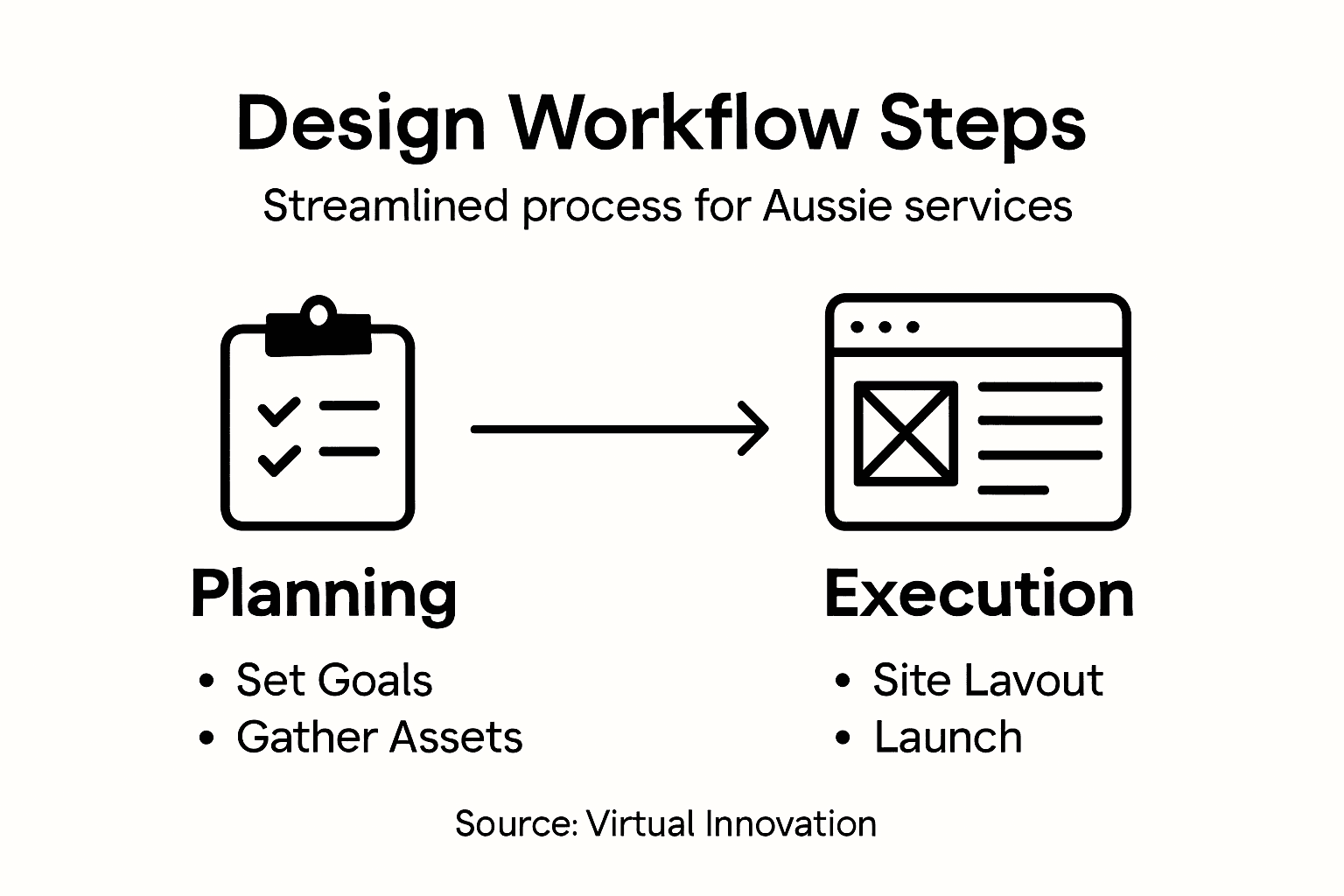
The key steps include defining project goals, organising assets, building site structure, implementing design elements, and testing before launch. Follow this sequence to ensure your website meets business objectives and provides a great user experience.
How can I gather requirements effectively for my website project?
Engage with stakeholders through meetings to understand their needs and expectations. Ask specific questions about customer needs and project success metrics, and document the agreed requirements clearly to avoid misunderstandings later.
What should I include in my website’s asset organisation?
Collect all necessary assets such as logos, images, content documents, and branding guidelines into organised folders. This preparation saves time and ensures your designer has quick access to everything needed during the design phase.
How do I create an effective site structure for my service business’s website?
Start by mapping out a simple sitemap that includes main pages like Homepage, About Us, Services, Testimonials, and Contact. Ensure the structure reflects the logical flow of customer journeys to facilitate easy navigation.
What are the critical items to test before launching my website?
Test for functionality across different devices and browsers, and ensure all forms and links work properly. Prioritise checking loading speeds and SEO elements, as these factors directly impact user experience and online visibility.
How can I optimise my website content for better user engagement?
Focus on creating clear and scannable content by using headings, short paragraphs, and targeted keywords. Structure your messages around the problems you solve, and ensure your copy is user-friendly to connect with your audience effectively.