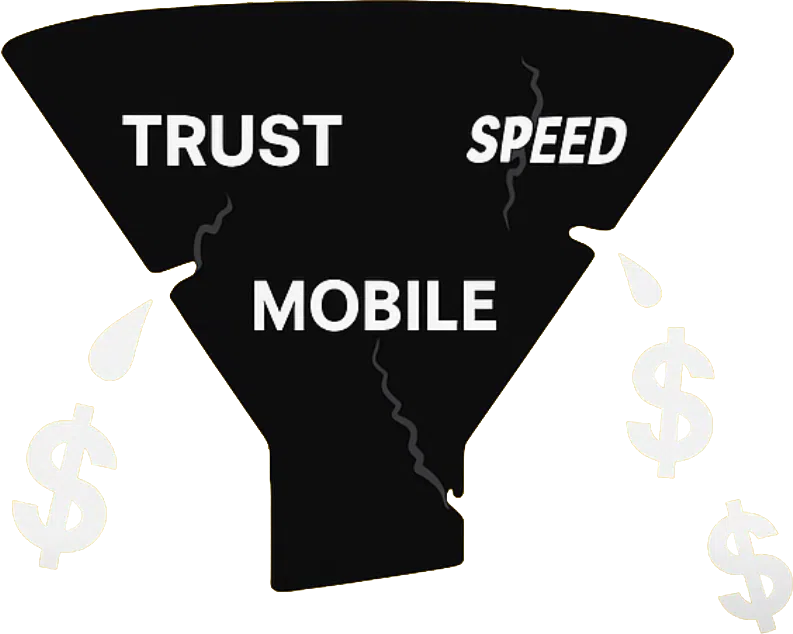
Why website speed matters: boost conversions and trust
Discover why website speed matters for NZ small businesses. Learn how faster load times boost conversions, build trust, and improve your Google r...

For many Auckland tradies and medical professionals, getting your website right means your clients find answers before picking up the phone. When your site clearly explains services, prices, and how to book, you attract better clients and save time. Web design is more than just visuals—it’s about planning, structure, and making your business easy to find and trust. This guide unpacks core web design basics so you get a solution that truly works for your small business.
| Point | Details |
|---|---|
| Importance of Web Design | A well-designed website is crucial for small businesses as it serves as a 24/7 gateway for attracting and engaging clients. |
| User-Centric Approach | Understanding your target audience and their needs is essential for creating a website that drives desired actions. |
| Types of Web Design Solutions | Choosing the right web design solution, such as responsive or e-commerce design, is vital for meeting specific business goals. |
| Cost vs. Quality | Investing in quality web design upfront can save time and money in the long run by reducing future fixes and redesigns. |
Your website is often the first impression potential clients have of your business. A well-designed website works harder than a physical shopfront—it’s open 24/7, answering questions and attracting clients while you’re focused on your core work.
Web design isn’t just about making things look pretty. It’s about creating a space where your customers can find what they need, understand what you offer, and take action—whether that’s booking an appointment, calling your number, or purchasing a product.
Web design combines several moving parts working together. Think of it like building a house: you need a solid structure, good looks, and functionality that works smoothly for people living in it.
Here’s what goes into a proper website:
Your website should make it effortless for customers to find information and take the next step—whether that’s contacting you or making a purchase.
Tradespeople and medical professionals in Auckland tell us the same thing: a good website brings in regular work and reduces the time spent explaining basic information on the phone.
When your plumber’s website shows your pricing, qualifications, and customer reviews, you’re not fielding 20 calls about whether you service their area. When your physio’s site clearly explains what to expect in your first appointment, patients arrive prepared and confident.
Proper web design does three critical jobs:
Understanding core web design principles like user interface design and navigation helps you recognise what makes a site actually work for your business.
You don’t need to understand coding. What you do need is a clear sense of what your website should accomplish for your business.
Before any design happens, ask yourself:
When you answer these questions first, the design work becomes straightforward. You’re not designing for design’s sake—you’re creating a tool that serves your business goals.
Many small business owners try different website approaches. Understanding the different types of web design available helps you choose what actually matches your business needs.
Pro tip: Start by writing down exactly what you want visitors to do when they land on your site—this clarity makes every design decision easier and keeps your website focused on what matters.
Not all websites are built the same way. A thriving e-commerce store needs different tools than a tradie’s portfolio site, and a medical practice website has different priorities than a retail shop.

Understanding the main types of web design helps you recognise what solution actually fits your business. You’re not paying for features you don’t need, and you’re getting the functionality that drives results for your specific situation.
Responsive design is the approach most small businesses should use. Your website automatically adjusts its layout, images, and content to fit perfectly on phones, tablets, and desktop screens.
When someone visits your plumbing business website on their phone while standing in their flooded bathroom, the page loads quickly and they can instantly call you. That’s responsive design working.
Here’s why it matters for your business:
Responsive design is the practical choice for small businesses because it covers all your customers, regardless of how they browse.
Adaptive design works differently. Instead of flowing and adjusting, it detects what device someone’s using and loads a version specifically built for that screen size.
Think of it as having three separate websites—one optimised for mobile, one for tablet, one for desktop. This approach can feel smoother for users but requires more work to build and maintain.
Small businesses rarely need this approach. It’s more expensive upfront and requires ongoing updates to each version. Responsive design typically gives you better value.
If you’re selling products online, e-commerce web design focuses on conversion. Every element—product photos, descriptions, checkout process—is optimised to turn browsers into buyers.
Your photos need to be high quality, product information crystal clear, and checkout as painless as possible. Cart abandonment happens when the process feels complicated or slow.
Key features include:
Accessibility means your website works for everyone—including people with vision impairments, hearing difficulties, or mobility challenges. This isn’t optional; it’s good business and good ethics.
Many people use screen readers, keyboard navigation, or other assistive technology. A properly accessible website serves them just as well as anyone else.
Simple accessibility improvements include:
A static website serves the same content to every visitor. Your information is fixed—perfect for portfolios, service descriptions, and basic information sites.
A dynamic website changes based on user actions or data. Customer login areas, shopping carts, and personalised content require dynamic functionality.
Most small business websites are mostly static with a few dynamic elements—a contact form here, a booking system there.
Here’s a quick summary comparing key web design solution types for small businesses:
| Design Type | Best For | Typical Cost Range | Main Limitation |
|---|---|---|---|
| Responsive | Most small business sites | Moderate, good value | Less control over each device type |
| Adaptive | Specialised device needs | High, ongoing updates | Costly to build and maintain |
| E-commerce | Online retailers | Higher, variable based on features | Requires frequent updates and sales content |
| Accessibility-Focused | Businesses serving diverse clients | Adds to project cost | Needs ongoing compliance checks |
The right web design solution matches your business goals, not the other way around.
Pro tip: Start by listing what you actually need your website to do—take bookings, showcase work, sell products, build credibility—then choose a design approach that delivers those specific outcomes without unnecessary complexity.
Building a website isn’t a single task—it’s a series of connected steps where each decision shapes what comes next. Understanding this workflow helps you see why a proper design process takes time and why rushing it costs you more later.
Think of web design like building a house. You don’t start by painting walls; you plan the layout, build the structure, then add the finishing touches. Skip any step, and the whole thing suffers.
Every good website starts with understanding your audience and your goals. Who visits your site? What do they need? What action should they take?
This phase might feel invisible, but it’s where success gets built. A physiotherapy practice needs to show credentials and explain treatment types. A tradie needs to showcase completed work and make booking simple. Different businesses, different needs.
Key planning tasks include:
Wireframing is like sketching your website before building it. It’s rough and simple—just boxes showing where content, images, and buttons will go.
You’re not worrying about colours or fonts yet. You’re answering basic questions: Where does the navigation live? How prominent is the call-to-action? Does the layout guide visitors logically through your information?
Good wireframes save you from building something that doesn’t work, then having to start over.
Once the structure works, visual design brings it to life. This includes colour schemes, typography, and visual hierarchy that guide visitors’ attention to what matters most.
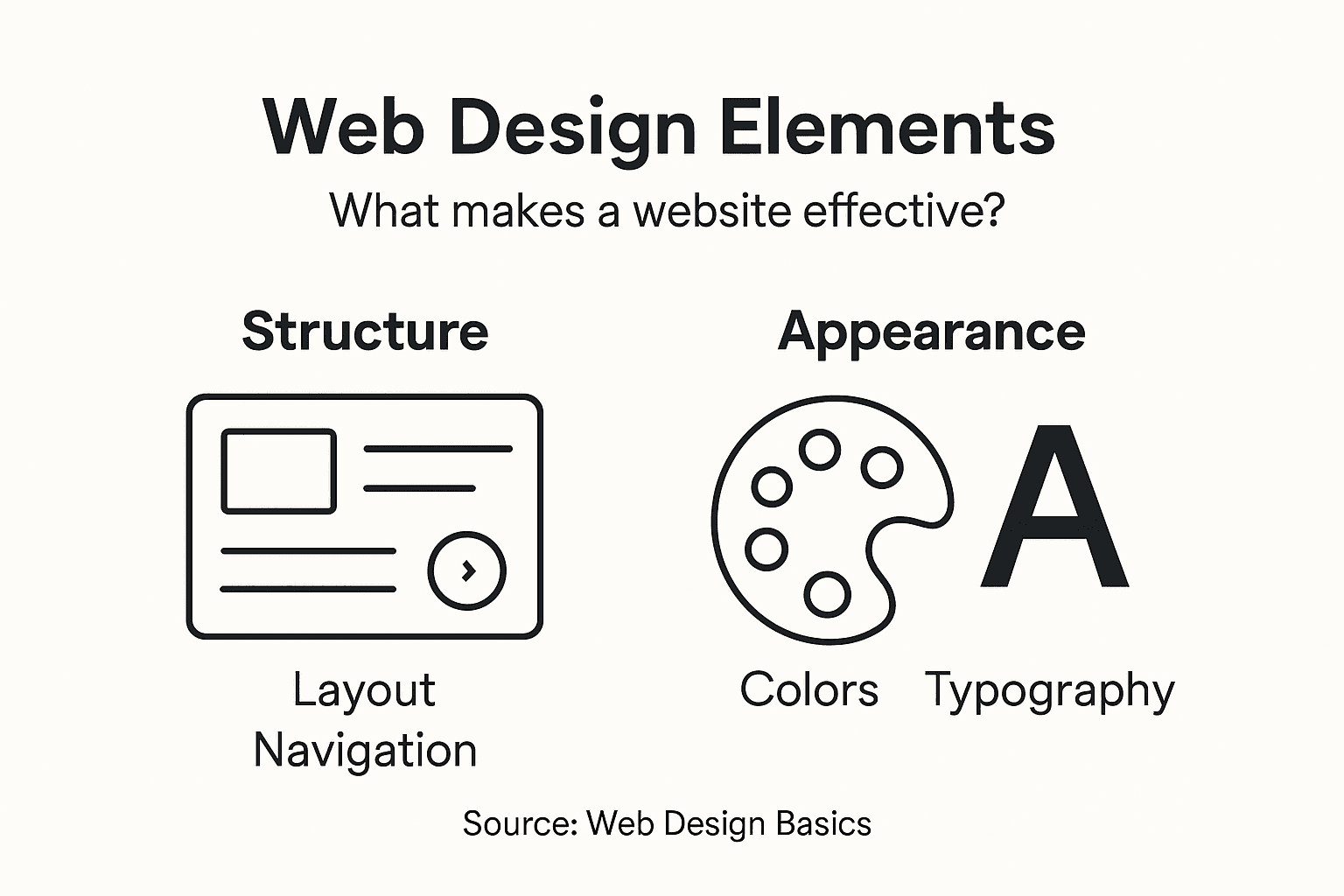
Your colours should reflect your brand. Your fonts should be readable. Your images should be high quality. Nothing fancy—just professional choices that build trust.
Essential visual elements:
Good web design guides visitors’ eyes naturally to what matters, without feeling manipulative or cluttered.
Once design is approved, developers build it. This is where technical workflows and frameworks come in—the tools and processes that turn designs into working websites.
You don’t need to understand the technical details. What matters is that quality agencies follow proven processes, test thoroughly, and deliver something that works properly.
Before your site goes live, it gets tested. Does it load fast? Do all buttons work? Does it look right on phones and tablets? Are there any errors?
Real problems get fixed. Feedback gets considered. The site launches only when it’s genuinely ready.
The table below outlines web design project phases and their impact on business outcomes:
| Phase | What It Involves | Business Impact |
|---|---|---|
| Planning & Research | Defining goals and audience | Clear direction, saves time |
| Wireframing | Basic layout mock-ups | Faster feedback, fewer mistakes |
| Visual Design | Choosing colours, images, fonts | Builds trust and credibility |
| Development | Coding and assembling the site | Creates functional website |
| Testing & Launch | Bug fixes, device checks, going live | Reliable, professional result |
Pro tip: Request a clear timeline showing each phase—planning, design, development, testing, launch—so you know when to expect updates and understand why quality takes time.
Web design isn’t free, and the cheapest option usually costs you more in the long run. Understanding what you’re paying for, what risks exist, and what legal obligations apply helps you make smart decisions that protect your business.
A poorly built website can expose your business to security breaches, customer data loss, and legal liability. That’s not scaremongering—it’s reality.
Web design costs vary dramatically based on complexity. A simple brochure site costs far less than an e-commerce platform with payment processing and customer accounts.
Typical cost ranges for small businesses:
The cheapest option upfront often means paying for fixes, redesigns, and workarounds later. Quality work costs more initially but saves money over time.
For tax and accounting purposes, website development costs have specific treatment rules depending on whether costs are capitalised as assets or expensed immediately.
This matters for your financial reporting and tax planning. Speak with your accountant about how your website investment gets recorded. Some costs can be deducted immediately; others get depreciated over time.
Your website collects customer data—email addresses, phone numbers, booking information. If your site isn’t secure, that data gets stolen.
Cybercriminals target small business websites constantly. They’re not trying to steal your trade secrets; they’re stealing customer data to sell or use for fraud. Your customers trust you with their information. A breach damages that trust permanently.
Common web security vulnerabilities include injection attacks, broken authentication, and sensitive data exposure. Quality agencies build protection against these threats into every site.
Essential security measures:
A security breach doesn’t just cost money to fix—it costs customer trust, which is far harder to rebuild.
Your website must comply with several legal requirements. These vary, but key areas include:
Data privacy laws require you to protect customer information and tell people how you use it. Accessibility laws require your site to work for people with disabilities. Consumer protection laws require honest claims about your services.
Ignoring these isn’t just unethical—it exposes you to legal action and fines.
Not all web designers deliver the same quality or security. A professional agency:
Pro tip: Ask potential web design agencies about their security processes, maintenance support, and backup procedures before signing—these questions reveal who takes your business seriously and who’s cutting corners.
Struggling to make your website truly work for your business or feeling overwhelmed by web design terms like responsive design and user experience? You are not alone. Many small businesses want a website that builds trust, saves time, and gets found but find the process confusing and time-consuming. With the right support, you can enjoy a site that connects effortlessly with your ideal clients while you focus on your passion.

Discover how our Auckland-based web design agency specialises in WordPress, Shopify and software development tailored for service companies just like yours. We speak plain English not tech jargon so you know what each step means. Visit Virtual Innovation to explore our friendly, down to earth approach and see why Kiwi businesses trust us. Take the first step now by checking out our Shopify Archives – Virtual Innovation for ecommerce solutions or dive into techniques that will make your site a trusted asset in our Hidden Archives – Virtual Innovation. Your website can do more. Let’s make it happen together.
Web design is the process of creating websites that effectively represent a business online. It encompasses layout, visual design, user experience, mobile responsiveness, speed, performance, and accessibility to ensure that users can find information easily and take action on the site.
A well-designed website helps build trust with potential clients, saves time by answering common questions automatically, and improves your chances of being found by customers searching for your services online.
Effective web design involves several key elements, including a user-friendly layout, appealing visual design that reflects your brand, mobile responsiveness, fast loading speed, and accessibility for all users to ensure inclusivity.
To ensure your website is mobile-friendly, use responsive design, which automatically adjusts the layout and content based on the device used. Additionally, test your website on various devices to confirm that it looks and functions well across them.