Finding a website that truly reflects your clinic’s compassion can feel harder than expected. In Auckland, patients judge their healthcare experience before stepping through the door, relying on your online presence for reassurance and answers. A purposeful medical web design focuses on patient-centred trust and accessibility, blending intuitive navigation, secure information handling, and mobile-friendly layouts. Discover how your clinic can offer a welcoming virtual front desk that builds confidence, honours faith values, and engages patients every time they visit online.
Table of Contents
- Defining Medical Web Design For Clinics
- Essential Features For Patient Engagement
- Accessibility, Security, And Compliance Needs
- Costs, Risks, And Common Pitfalls
Key Takeaways
| Point | Details |
|---|---|
| User-Centric Design | Prioritise patient trust and accessibility over aesthetics in web design. |
| Mobile Responsiveness | Ensure the website is mobile-friendly, as most patients search for care on their phones. |
| Security Compliance | Implement strong security measures to protect patient data and comply with New Zealand laws. |
| Clear Calls to Action | Use straightforward prompts on every page to guide patients toward booking appointments easily. |
Defining Medical Web Design For Clinics
Medical web design isn’t about flashy graphics or trendy layouts. It’s about creating a website that puts your patients first and builds genuine trust. For Christian healthcare practitioners in Auckland, this means reflecting the care and compassion you provide face-to-face, but online.
At its core, medical web design means building a website that serves a specific purpose: helping patients feel confident about choosing your clinic. Unlike generic websites, yours needs to handle sensitive health information, guide people through booking appointments, and answer common health questions—all while staying compliant with New Zealand healthcare standards.
What Makes Medical Web Design Different
Creating user-centered, trustworthy digital spaces for healthcare requires balancing several critical elements that other business websites simply don’t need to worry about.
Your website works as a 24/7 virtual reception desk. While your clinic closes at 5pm, patients can still learn about your services, book appointments, and find answers to their questions. This accessibility matters deeply in healthcare.
Here’s what separates medical web design from standard business websites:
- Patient trust comes first, not aesthetic impressiveness
- Mobile responsiveness is non-negotiable (most patients search health information on their phones)
- Clear information hierarchy helps anxious patients find what they need quickly
- Accessibility features accommodate patients with vision or hearing challenges
- Security protects sensitive patient information and builds confidence
- Simplified navigation so people aren’t frustrated when seeking appointments
Why Your Clinic Needs Purposeful Design
Your website shapes how patients perceive your clinic before they ever walk through the door. A cluttered, slow, or confusing site signals unprofessionalism—even if your actual care is excellent.
Patients facing health concerns are often stressed and searching for reassurance. They want to know your qualifications, see your approach to care, and easily book an appointment. A well-designed medical website delivers exactly that.
Your website isn’t just online real estate—it’s a direct reflection of your clinic’s competence and compassion.
The Core Elements That Matter
Effective medical web design combines functionality with trust-building. Here’s what patients expect:
Here’s a summary of ways medical website features impact patient experience and clinic outcomes:
| Feature | Patient Benefit | Clinic Benefit |
|---|---|---|
| Online booking | Convenient access anytime | Fewer calls, more appointments |
| Clear qualifications | Reassurance and trust | Stronger reputation |
| Mobile responsiveness | Easy access from any device | Greater reach, better engagement |
| Security protocols | Confidence in data protection | Legal compliance, reduced risk |
| Accessible design | Inclusive experience for all | Avoids penalties, builds loyalty |
- Clear information about your services without medical jargon overwhelming them
- Easy online booking so they don’t have to call during work hours
- Visible qualifications and credentials that establish your expertise
- Fast loading times because nobody waits for slow websites
- Mobile-friendly layouts since most searches happen on phones
- Contact information that’s obvious and accessible
- Professional appearance that matches the care standards they’ll experience
Your design should reflect your clinic’s values. For Christian healthcare practitioners, this often means emphasising compassion, faith-informed care, and whole-person health—not just treating symptoms.
Understanding what medical and health website design actually accomplishes helps you make better decisions about your online presence.
Pro tip: Start by asking yourself: what’s the one action you want patients to take most? (Booking an appointment? Requesting information? Finding your location?) Design everything else to support that single goal.
Essential Features For Patient Engagement
Patient engagement starts the moment someone lands on your website. If they can’t find what they need or feel uncertain about booking, they’ll click away and call another clinic. Your website needs features that make patients feel supported and confident.
Building Trust Through Accessibility
Patients need to access your site from their phones, tablets, and computers. Mobile responsiveness isn’t optional anymore—most people search for healthcare information on their phones whilst waiting at work or home.
Your website should load quickly too. A slow site frustrates people who are already stressed about their health. Speed matters.
Features That Drive Patient Action
Certain features directly influence whether patients book appointments or move on. Intuitive navigation and secure patient portals help patients feel in control of their healthcare journey.
Here are the features that genuinely engage patients:
- Online appointment booking so patients don’t have to call during business hours
- Clear service descriptions written in everyday language, not medical jargon
- Patient portal access for viewing records and test results securely
- FAQ sections answering common questions your team gets repeatedly
- Contact information that’s visible on every page
- Testimonials or patient stories showing real people who’ve been helped
- Educational content about preventive care and wellness
Content That Actually Helps Patients
Patients visit your website with questions. They want to understand your approach, know your credentials, and feel confident you can help them.
Write content that speaks to their concerns. If you specialise in women’s health, address common health questions women have. If you focus on chronic disease management, explain your approach clearly.
Avoid medical jargon when plain English works better. “High blood pressure” beats “hypertension” for most patients. They’re anxious enough without deciphering medical terminology.
Patients engage with websites that feel like they were built with them in mind, not at them.
Security Builds Confidence
Patients share sensitive health information online. They need absolute assurance that their data stays private and protected. This isn’t just about trust—it’s about legal compliance with New Zealand health information standards.
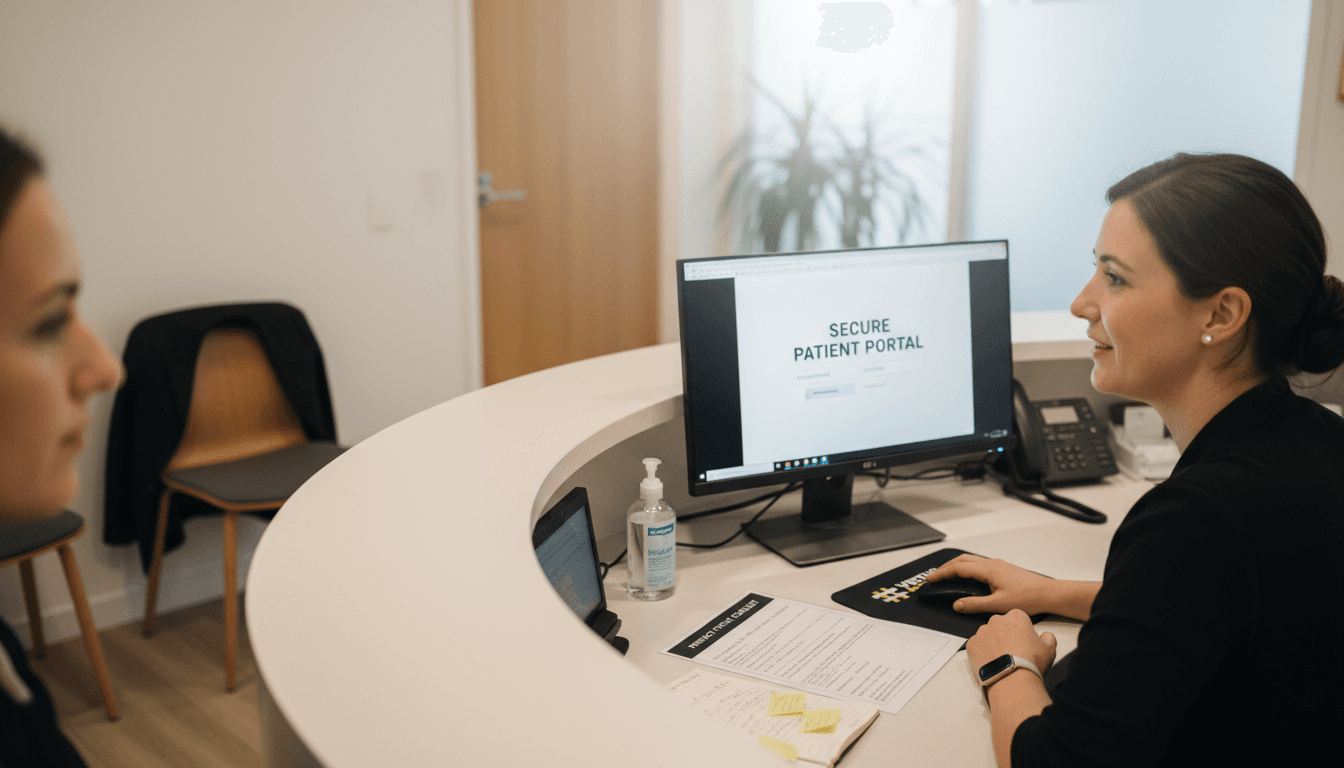
Make security visible. Display trust badges, explain your data protection practices, and keep patient portals genuinely secure.
Clear Calls To Action
Every page needs a reason for being there. Patient-centric design includes clear calls to action that guide people toward booking appointments or getting more information.
Don’t make patients guess what to do next. Use straightforward buttons like “Book an Appointment” or “Request More Information” rather than vague labels.
Pro tip: Test your website on your own phone right now. Can you find an appointment booking option in three clicks? If not, your patients probably can’t either.
Accessibility, Security, and Compliance Needs
Running a medical clinic in New Zealand means following specific rules about how you handle patient information and design your website. These aren’t just bureaucratic boxes to tick—they protect your patients and your business.
If you ignore these requirements, you risk legal trouble, patient trust erosion, and reputational damage. The good news? Getting it right from the start actually builds confidence in your clinic.
Understanding Your Legal Obligations
New Zealand has strict healthcare privacy laws. Patient data must be protected, and your website design must accommodate people with disabilities. HIPAA, ADA, and WCAG standards ensure equitable access and data protection across healthcare websites.
You’re not just designing for able-bodied people with perfect vision and hearing. You’re designing for someone who’s blind, deaf, has motor disabilities, or cognitive challenges.
Compliance isn’t optional—it’s the law. And it’s the right thing to do for your patients.
Data Security Requirements
Patients trust you with their health information. That trust vanishes instantly if their data gets breached.
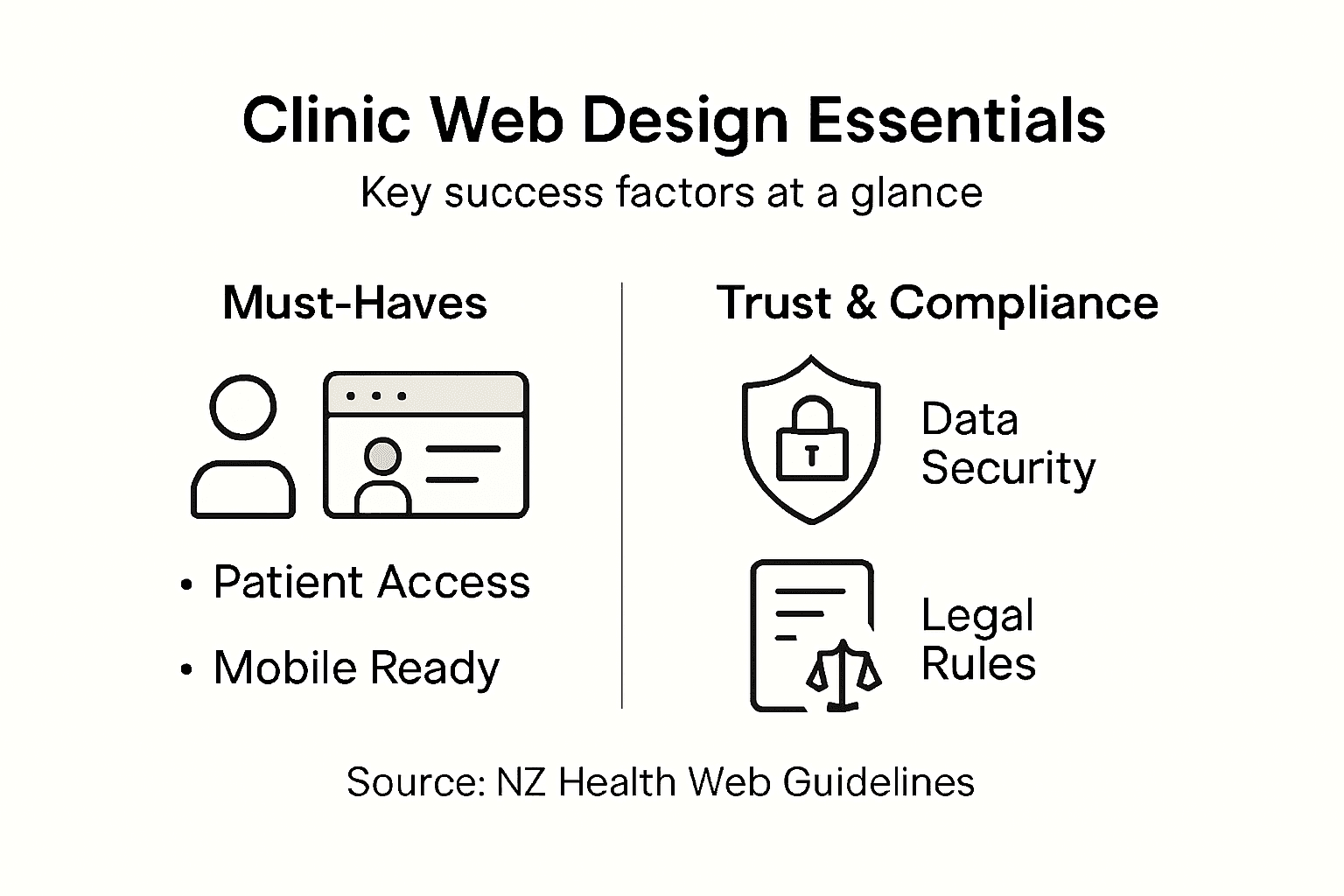
Your website must use secure transmission protocols. Patient information should be encrypted both in transit and at rest. Only authorised staff should access patient records. Regular security audits should check for vulnerabilities.
Here’s what secure healthcare websites do:
- Use HTTPS encryption for all data transmission
- Store patient data in secure, encrypted databases
- Limit staff access based on job roles
- Keep detailed logs of who accesses what information
- Perform regular security audits and vulnerability testing
- Have clear data breach response procedures
- Train staff on handling sensitive information properly
Accessibility Standards Matter
Accessibility means designing for everyone. This includes people who use screen readers, navigate with keyboards only, or have colour blindness.
Compliance frameworks like GDPR and FDA regulations require accessible design from the planning phase, not bolted on afterwards.
Proper accessibility features include clear headings, alternative text for images, readable fonts, sufficient colour contrast, and keyboard navigation support.
Accessibility isn’t a feature for some patients—it’s a fundamental requirement for all patients.
Content Accuracy and Evidence
Anything you publish about health conditions, treatments, or preventive care must be accurate and evidence-based. Misleading health information can genuinely harm people.
Review all health content carefully. Cite sources where appropriate. Update information as new evidence emerges. If you’re unsure about something, consult with qualified colleagues or current clinical guidelines.
Building Trust Through Transparency
Make your compliance efforts visible. Display privacy policies clearly. Explain how you protect patient data. Show security certifications.
Patients appreciate knowing you take their privacy seriously. Transparency builds the trust that keeps them coming back and recommending you to others.
Pro tip: Conduct a compliance audit of your website right now. Have a qualified accessibility specialist check whether your site meets standards. Fix issues before problems arise.
Costs, Risks, and Common Pitfalls
Building a medical website costs money. Not doing it costs more. But understanding where costs actually go helps you make smarter decisions about your investment.
Many clinic owners discover too late that their website doesn’t work the way they expected. Some costs are obvious. Others sneak up and surprise you. Knowing what to watch for helps you avoid expensive mistakes.
Initial Build Costs Versus Long-Term Value
A basic medical website might cost between NZD $2,000 and $8,000 to build properly. That includes design, development, and getting compliance right from the start.
Some clinic owners try to save money with cheap templates or DIY builders. This usually backfires. A poorly designed medical site drives patients away, costs you bookings, and creates compliance headaches that cost far more to fix later.
Think of your website as a long-term business asset, not a one-time expense. A quality website keeps earning its value for years.
Hidden Costs Most Clinics Overlook
The initial build is just the beginning. Ongoing costs include maintenance, security updates, hosting, and content management.
Here’s where money actually goes after launch:
- Hosting and domain (ongoing yearly costs)
- SSL certificates for secure data transmission
- Regular security updates to protect patient information
- Backups and disaster recovery systems
- Content updates as your services or team changes
- Mobile app maintenance if you offer one
- Payment processing fees for online bookings
- Email marketing platforms for patient communication
Budget for ongoing support. Your website isn’t a set-it-and-forget-it investment.
Common Pitfalls That Cost Time and Money
Certain mistakes happen again and again. Learning from others’ experiences saves you from repeating them.
Launching without testing. Many clinics push websites live before checking them thoroughly on phones, tablets, and different browsers. Patients encounter broken links, misaligned content, or booking forms that don’t work. This embarrasses your clinic and loses business.
Ignoring mobile users. Over 70 percent of health searches happen on phones. A website that works on desktop but breaks on mobile frustrates your biggest audience.
Skipping compliance review. Launching without ensuring HIPAA, accessibility, and data protection compliance creates legal liability. Fixing these issues after launch costs far more than getting it right initially.
Poor quality content. Outdated information, spelling errors, or vague service descriptions undermine your credibility. Patients think twice before booking with a clinic that seems careless online.
No backup plan. When your website goes down, you lose patient access to booking and information. Having reliable backups and a recovery process prevents disaster.
The cheapest website is the one that works perfectly and keeps working. Penny-pinching on medical web design costs you in lost patients and compliance problems.
Choosing Between Build, Buy, and Outsource
You have options. Building everything custom costs more upfront but gives you control. Using WordPress or other platforms balances cost with flexibility. Hiring an agency handles everything but costs more monthly.
Compare the common approaches to medical website development for Auckland clinics below:
| Approach | Upfront Cost | Compliance Handling | Long-Term Flexibility |
|---|---|---|---|
| Custom Build | Highest | Specialist-managed, thorough | Full control, scalable |
| DIY Template | Lowest | Often overlooked, risky | Limited, difficult to adapt |
| Agency Partner | Moderate-to-high | Handled by experts | Smooth updates, ongoing support |
For most Auckland clinics, working with a design agency that understands healthcare needs offers the best value. They handle compliance, security, and best practices so you don’t have to figure it out alone.
Pro tip: Get everything in writing before any work starts. Know exactly what’s included, what ongoing support costs, and who maintains your website after launch. Vague agreements lead to surprise bills.
Elevate Your Clinic’s Online Presence with Expert Medical Web Design
Struggling to turn visitors into loyal patients because your website does not reflect your clinic’s care and professionalism Locate a web design partner that understands the critical elements like mobile responsiveness, online booking, security, and accessibility for New Zealand clinics Our team at Virtual Innovation specialises in crafting medical websites that build trust and drive patient engagement so you don’t lose bookings to competitors Our proven approach addresses common challenges such as slow loading times, confusing navigation and compliance headaches so your site really works as your virtual reception

Ready to transform your clinic’s website into a powerful, patient-friendly tool Explore our Projects Archives – Virtual Innovation to see how we deliver tailored medical web solutions that keep patients coming back Learn why working with a down-to-earth partner who values Kiwi businesses makes the difference Take the first step towards a hassle-free, compliant website visit Virtual Innovation today and view our Hidden Archives – Virtual Innovation for insights on design and compliance you can trust
Frequently Asked Questions
What are the key elements of effective medical web design?
Effective medical web design includes clear service descriptions, easy online booking, visible qualifications, fast loading times, mobile-friendly layouts, accessible contact information, and a professional appearance that reflects your clinic’s values.
How does a well-designed medical website improve patient engagement?
A well-designed medical website enhances patient engagement by providing intuitive navigation, online appointment booking, accessible information about services, patient portal access, and educational content, ensuring that patients feel supported and informed throughout their healthcare journey.
Why is security important in medical web design?
Security is crucial in medical web design to protect sensitive patient information and maintain trust. Implementing secure transmission protocols, data encryption, and regular security audits helps to ensure compliance with healthcare regulations and safeguard patient data from breaches.
What compliance standards should be considered in medical web design?
Medical web design should comply with healthcare privacy laws, accessibility standards, and protocols like HIPAA, ADA, and WCAG. Meeting these requirements ensures equitable access for all patients and the secure handling of their information.