
Table of Contents
When was the last time you gave your website a tidy-up?
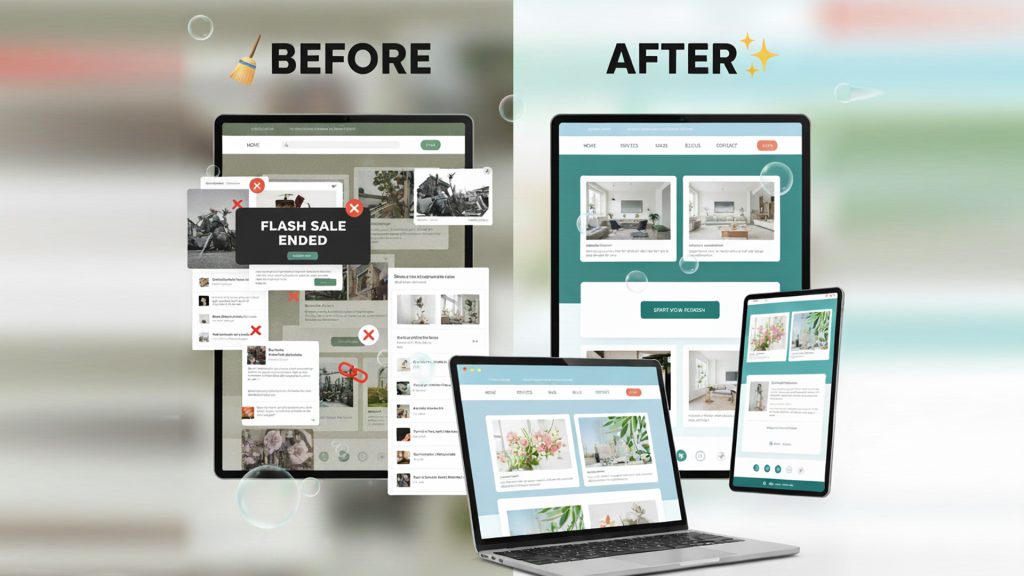
Just like your office or inbox, your website needs a clean-out now and then, especially before heading into a new year. A quick website spring clean helps your business stay current, build trust, and avoid silent problems that could be costing you leads.
The good news is, you don’t need a full redesign.
These updates are simple, practical, and you can do them yourself. Or, if you’d rather not touch the tech side, we’re happy to help.
Here’s your 7-step checklist to spring clean your website before the year wraps up.
1. Remove Old Promotions, Popups or Expired Notices
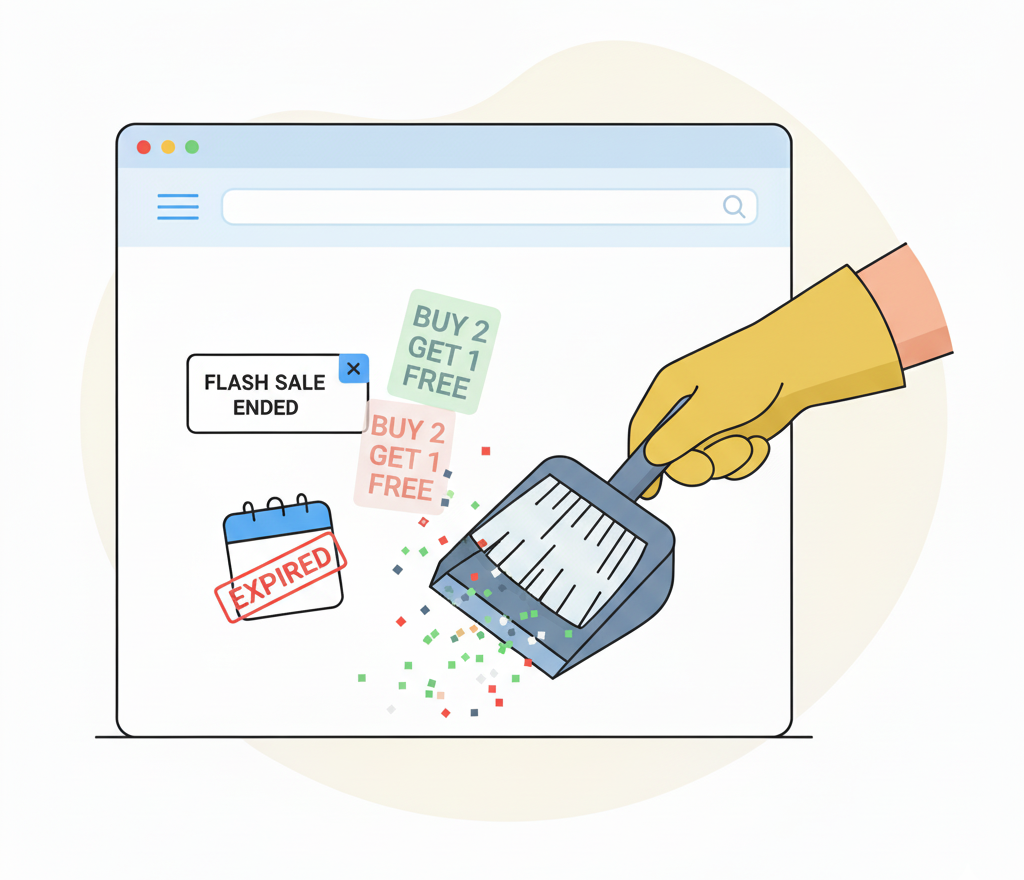
Still showing a “Mid-Year Sale” banner from July?
Or worse, a COVID-19 notice that hasn’t been relevant in ages?
Outdated elements send the wrong message and make your site feel abandoned. Your homepage and sliders are prime real estate, so be intentional with what stays up there.
Tip:
Update or remove anything tied to past events, old promos, or time-sensitive offers. Even better, now’s the perfect time to plan your holiday updates, like adding seasonal hours, a festive homepage banner, or a bit of summer cheer to your team bios. A touch of local flavour, like favourite holiday spots or summer tips, can make your brand feel more human and relatable.
2. Update Business Hours and Contact Info
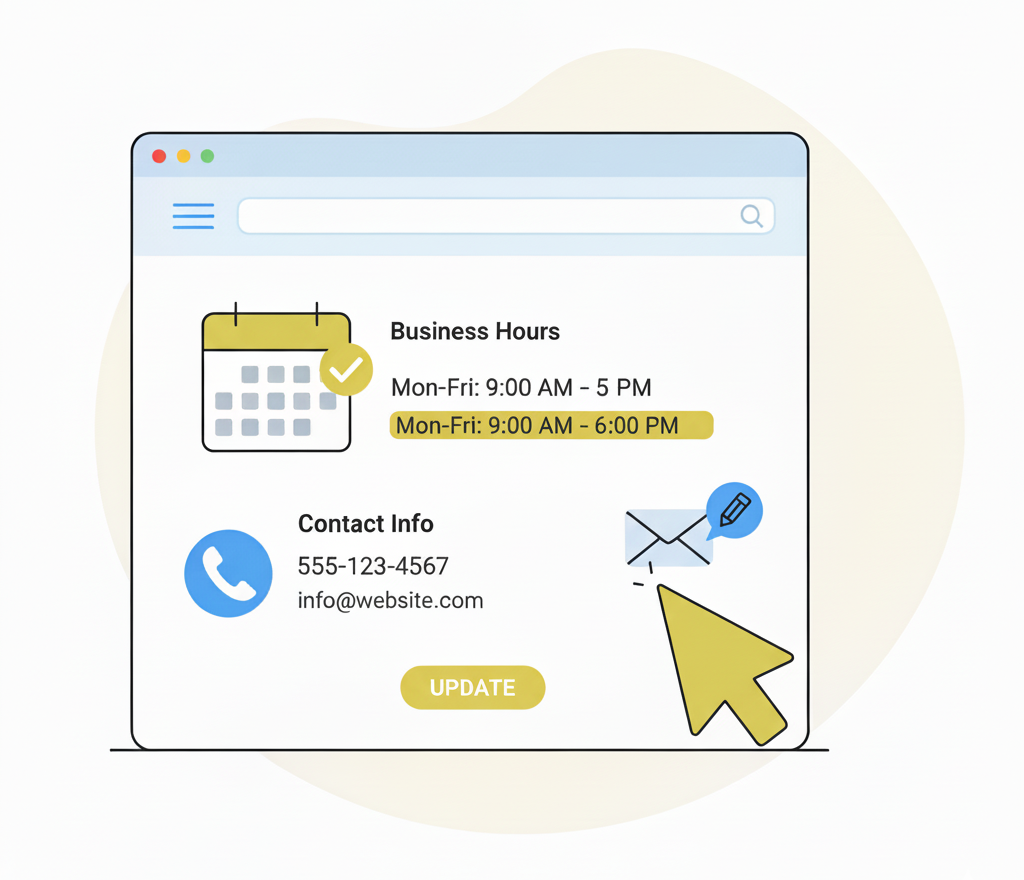
The holiday season is around the corner, so now’s a good time to start thinking about your business hours. Will you be closing for a break, extending hours, or changing availability?
Make a note to update your contact page, footer, and Google profile so your customers aren’t left guessing.
Also, test your contact forms. We covered how to fix common form issues in our article on updating lead generation tools.
3. Refresh Team Bios and Images
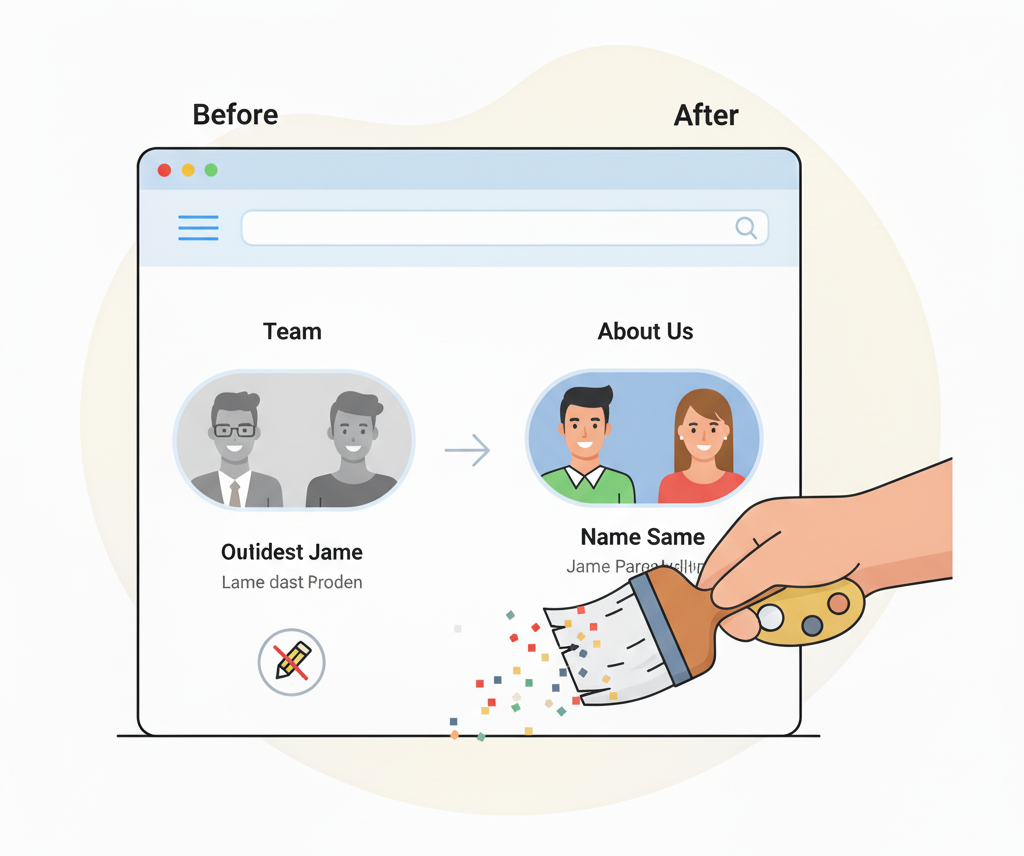
Still showing a team member who left in 2022? Or a profile photo from before your rebrand?
Your “About Us” page is a high-trust area, and small updates here go a long way. Use this time to inject some personality into your bios. Mention summer plans, favourite spots in New Zealand, or anything that adds a bit of local flavour.
It’s also a good time to check for:
- Outdated titles
- Missing new team members
- Broken bio links
Pro tip:
Use fresh, professional headshots where possible. Authenticity builds trust quickly.
4. Remove or Fix Broken Links
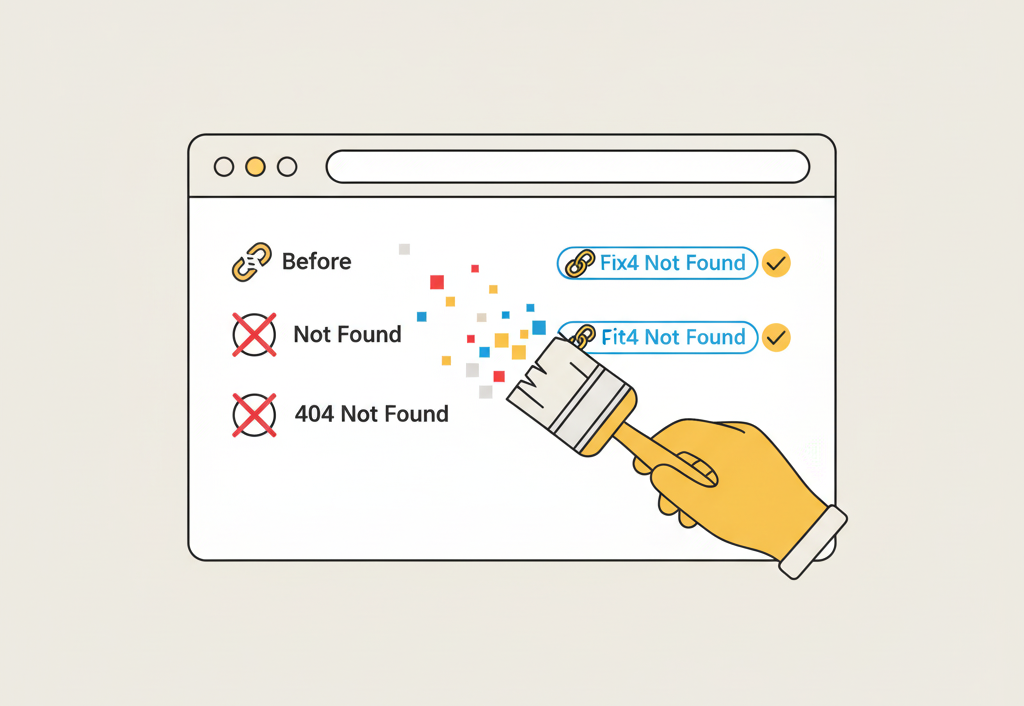
Broken links break more than just the page. They break trust.
They confuse users, hurt your SEO, and make your website feel neglected. Many business owners don’t realise they have broken links because they’re hidden in buttons, footers, or old blog posts.
Quick Fix:
Use a tool like Broken Link Check or Screaming Frog to scan your site.
Fix or remove links that lead to:
- Deleted pages
- Outdated PDFs
- Broken social posts
- Wrong blog URLs
5. Refresh Your Imagery
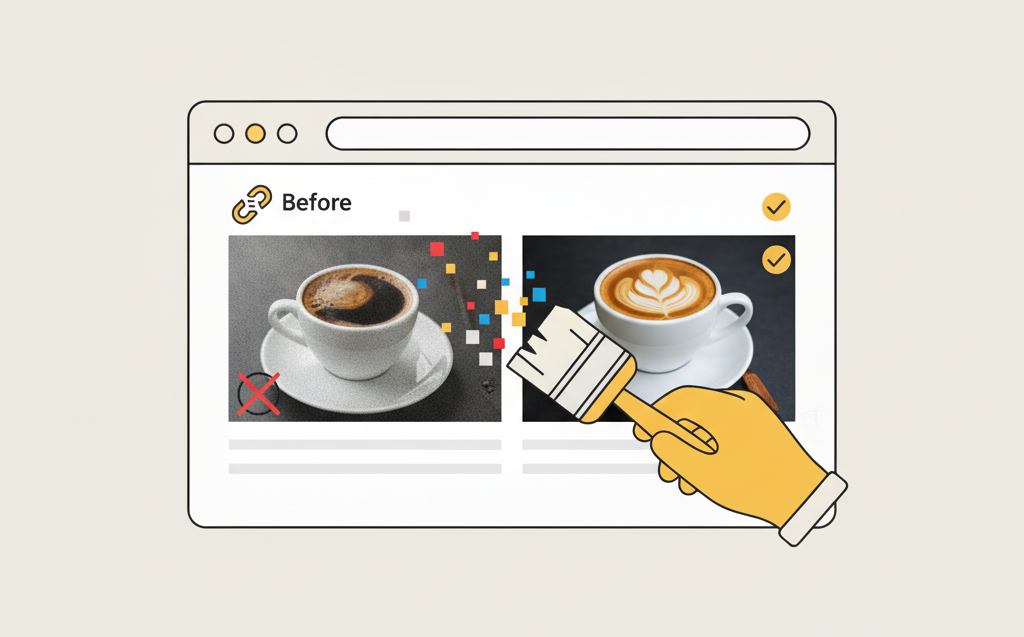
Your visuals say a lot. What is your website really showing?
If your homepage features old logos, blurry team pics, or stock photos from 2017, it might be time for a visual refresh.
Easy Wins:
- Update your homepage hero image
- Swap out stock for real team or project photos
- Add a seasonal photo that matches your brand vibe
- Include ALT text for accessibility and SEO
Images don’t just make your site look good. They guide your visitors emotionally too.
6. Check for Plugin, Theme and CMS Updates
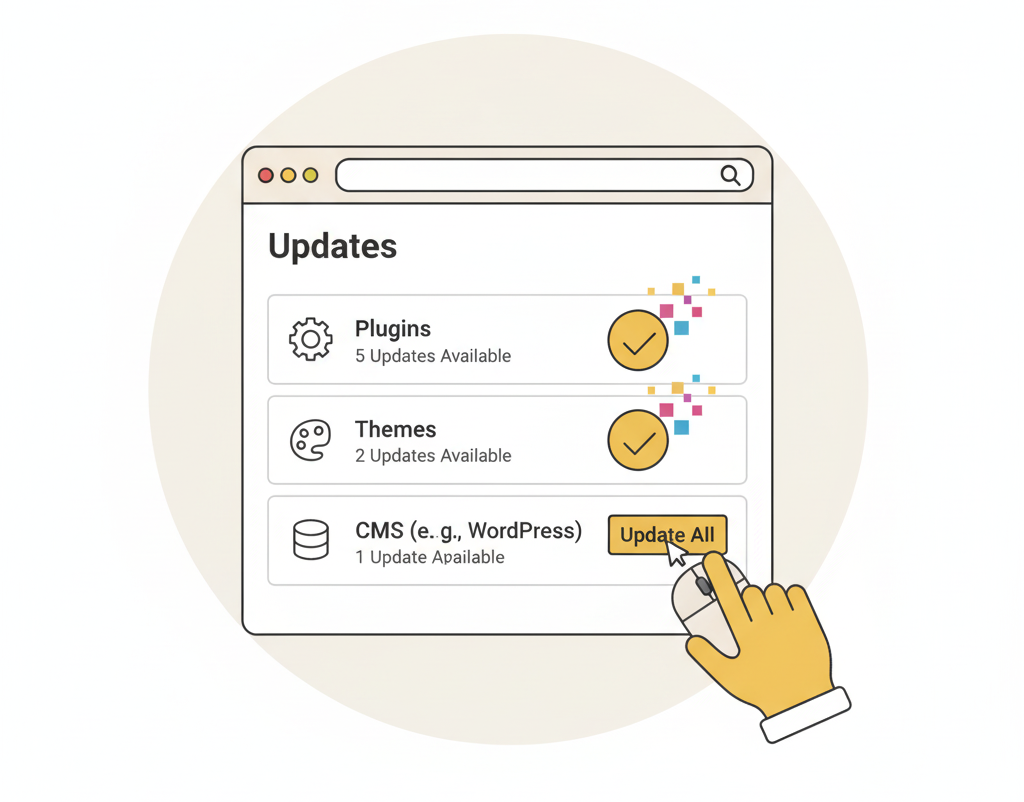
If you’re on WordPress or Shopify, keeping things up to date is essential.
Outdated plugins and themes are a common cause of site errors, speed issues, and even security vulnerabilities. Think of this like checking the oil in your car. It might not be glamorous, but it keeps everything running.
Checklist:
- Log in and review pending updates
- Back up before updating
- Delete plugins you no longer use
- Test your site on desktop and mobile after updating
Don’t feel confident doing this yourself? Contact us for help. We offer stress-free WordPress maintenance.
7. Review Your Website Tracking and Analytics
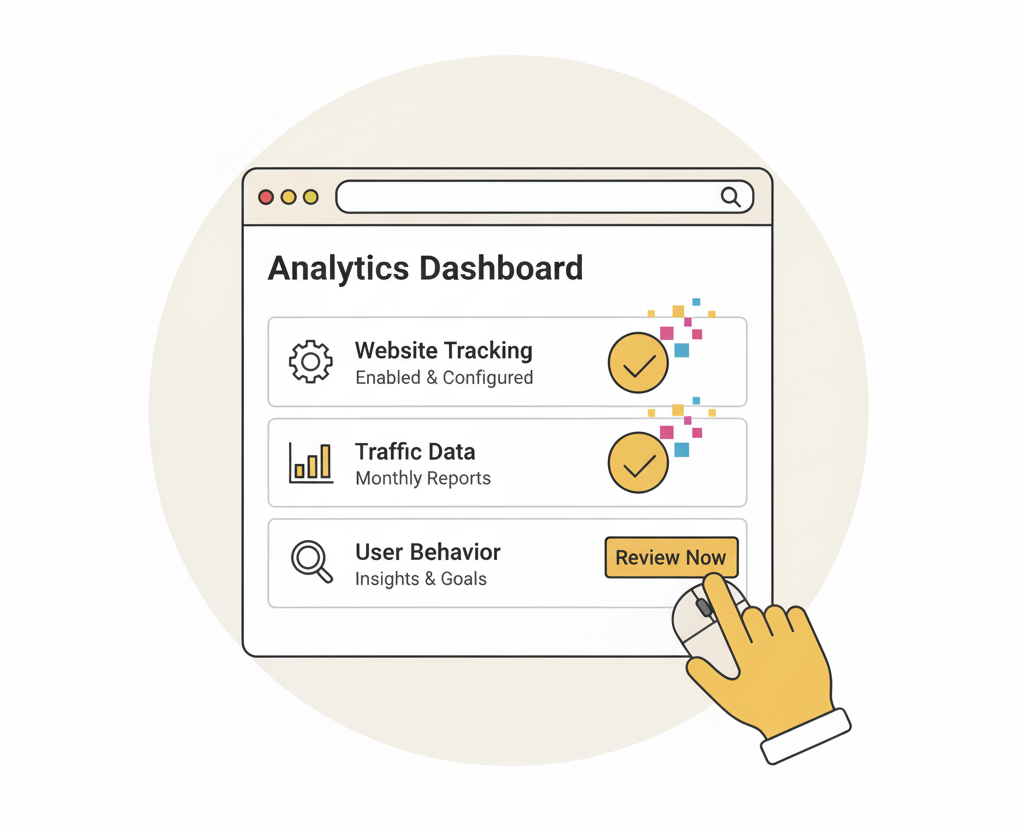
If your Google Analytics (GA4) has stopped tracking, you might not realise how much traffic you’re losing.
The same goes for forms that aren’t sending, phone numbers that don’t work on mobile, or popups that fail to load.
Quick Test:
- Send yourself a form submission
- Tap your phone number to see if it opens the dial screen
- Check if Google Analytics is tracking pages and goals properly
Want to go deeper? We wrote a full post on fixing hidden website lead generation issues.
Final Thought: A Little Website TLC Goes a Long Way
You don’t need a new site to get better results.
Sometimes it’s the small things, like updating a banner, fixing a link, or refreshing a team photo, that breathe new life into your digital presence.
If your website hasn’t had a proper tidy-up in the last 6 to 12 months, now is the time to plan ahead.
Even if you’re not ready to make all these changes today, just planning ahead now can save you last-minute stress later and make sure your website is ready for the busiest time of year.
And if you’re not sure where to start? We’re happy to help.
Book a free website review with the Virtual Innovation team. No tech talk, no pressure. Just helpful advice and a simple plan.
💻