
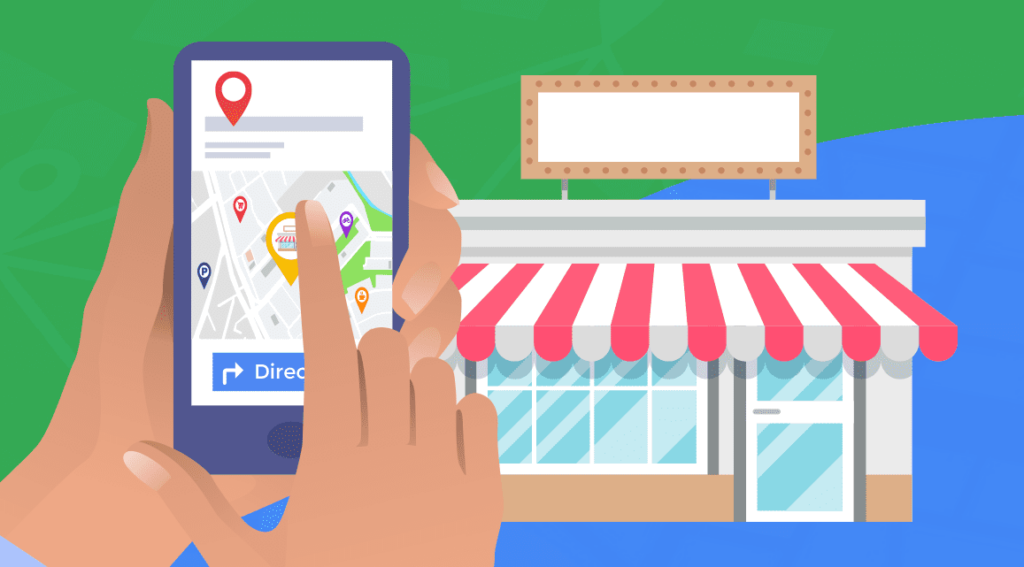
Google Places is the older name many business owners still use for Google Business Profile. It is the business listing people can encounter in Google Search and Maps. If yours has an old phone number, unclear services or the wrong opening hours, a potential customer can get the wrong impression before reaching your website.
Here are seven practical checks for a New Zealand business. The aim is to help the right person understand your business and contact you with confidence.
1. Check ownership and your real business details
Make sure your business controls the account, even if an agency helps manage it. Use your real business name and accurate contact details. Follow Google’s requirements for your address or service area; do not add locations just to appear in more suburbs. See Google’s business representation guidelines.
Keep a simple record of who has access. That saves a scramble when a staff member leaves or a provider changes.
2. Choose categories that describe what you actually do
Pick a primary category that reflects your core business and use additional categories only where they fit. The old advice about filling five category slots is not a sound way to choose them. Google recommends using the fewest categories needed to describe the business.
3. Explain your services in ordinary language
Write for someone who has never heard of you. Explain what you offer, who it is for and the area you genuinely serve. Avoid a string of suburb names or promotional claims that say little about the work.
For example, a builder could explain whether they handle renovations, new homes or both. A customer should not have to call simply to find out whether the service fits.
4. Check where your website link takes people
Open it on your phone. Can you find the relevant service, see evidence of the work and make an enquiry? Is the phone number the same as the one on your profile?
A good listing cannot compensate for an unclear landing page. Our website messaging guide gives you a short structure for making that page more useful.
5. Keep hours and photos current
Check public holidays, seasonal changes and any temporary closure. Use photos that help visitors recognise your team, premises or work. Google’s local ranking guidance recommends accurate information and useful photos. Adding an image should serve a customer purpose rather than an imagined activity score.
6. Make review feedback part of your process
Invite honest feedback after real customer work and respond thoughtfully. Read recurring comments for ideas about what to improve or explain better. Google’s guidance on reviews and local ranking describes their role, but no particular review count guarantees a position.
7. Review useful actions, not just views
Keep a short monthly note of enquiries and the questions new customers ask. Where reporting is available, compare website visits and calls with actual leads. A busy profile is useful when it supports the sort of work you want to win.
Google explains that local results depend mainly on relevance, distance and prominence. There is no way to pay Google for a better organic local position. Read the official explanation of local ranking.
Put your profile and website to work together
Start by fixing incorrect details, then strengthen the service page people land on. Use our New Zealand directory checklist to review other places your details appear.
If you would like a hand deciding what deserves attention first, explore our local SEO and GEO support. We can review the website and search basics together and agree a useful next step.