

If you use assessments with clients, you will know that the questionnaire is only one part of the experience.
Someone needs to send the right invitation. The client needs to understand what they are being asked to do. Responses need to be stored, scored and reviewed. Then the results need to become a useful conversation, rather than another PDF sitting in an inbox.
When those steps live across forms, spreadsheets, emails and separate reporting tools, even a carefully chosen assessment can feel clunky to use.
A well-designed client assessment platform brings that journey together. It can make testing easier to complete, give your team a consistent process and help clients understand what comes next.
At Virtual Innovation, we build custom software in Auckland around how a service actually works. For organisations delivering science-based assessments, that means understanding both the client experience and the rules the assessment needs to follow.
What makes an assessment science-based?
Start with the assessment’s purpose. What is it intended to measure? Who is it intended for? What can someone reasonably learn from the result?
The Standards for Educational and Psychological Testing explain validity in terms of evidence supporting particular interpretations of scores for proposed uses. In plain English, a test needs evidence for the job you are asking it to do.
A questionnaire that is useful for one group or purpose may not support a different use. Reliability, which concerns the consistency and precision of scores, matters too. A polished report is not a substitute for either.
For your platform project, identify the assessment owner or qualified specialist who can confirm the evidence, intended population, scoring rules and limits of interpretation. Software developers can implement those requirements and test that the code follows them. That is different from scientifically validating the assessment itself.
This distinction helps you make a clear promise to clients: a thoughtful, well-supported assessment process, with results explained in the right context.
How does a platform improve the client experience?
Imagine receiving an email with three attachments, a separate password and instructions to send a completed form back to someone you have not met. It is quite a lot of friction before the assessment has even started.
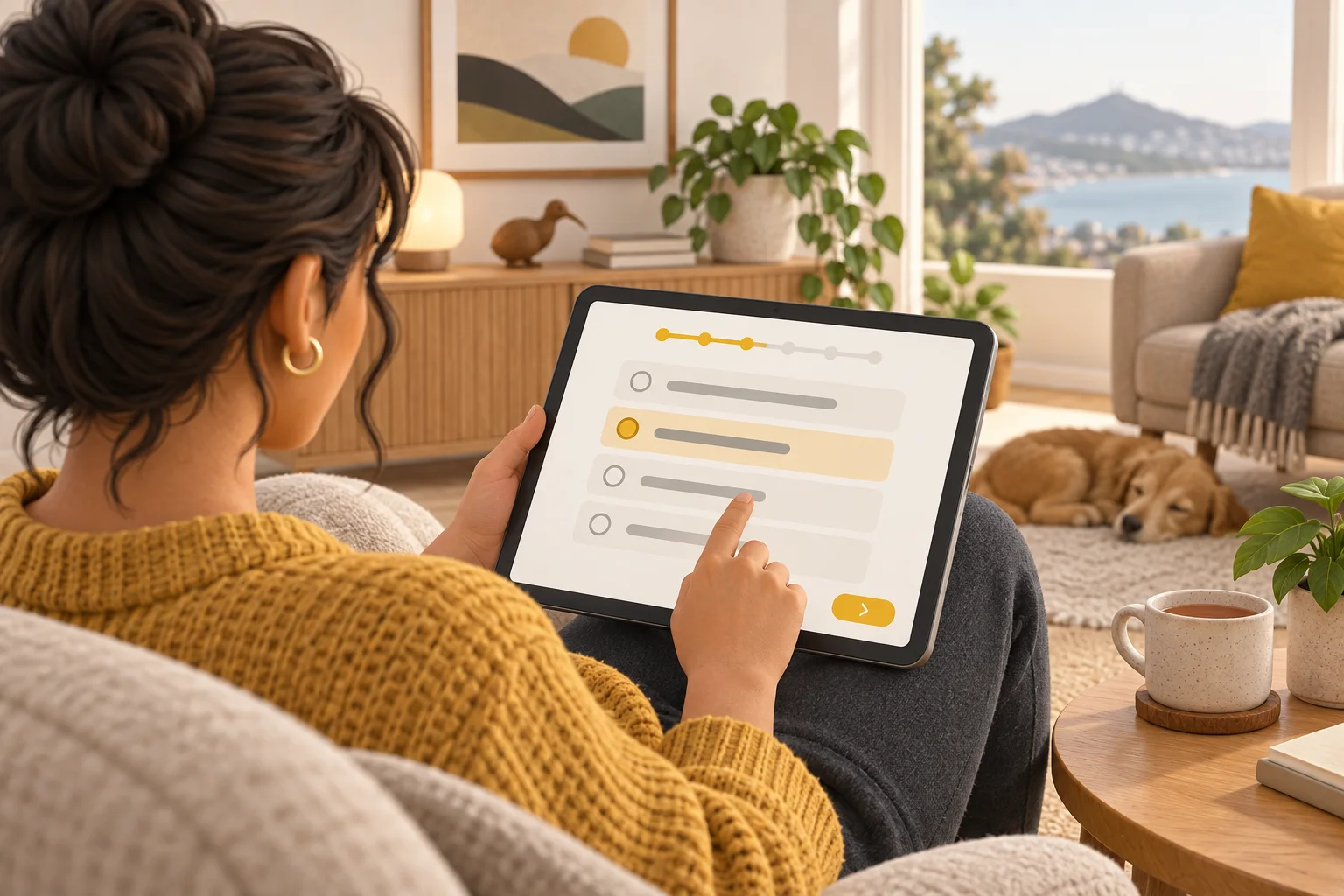
A dedicated platform can give the client one clear route through the process:
- Receive an invitation that explains the purpose and who it is from.
- Sign in or use an appropriate secure access method.
- See what is involved, how long to allow and how their information will be used.
- Complete the assessment using the required instructions.
- Receive confirmation and a clear explanation of the next step.
Where the assessment allows it, progress indicators and saved responses can make a longer questionnaire easier to manage. Where timing or uninterrupted completion matters, the platform needs to preserve those conditions instead.
The benefit for the client is clarity. They spend less effort figuring out the process and more attention on the questions.
Why does consistent delivery matter?
If each team member sends a different version of a questionnaire or interprets a scoring instruction differently, it becomes harder to know what a result represents.
A platform can keep the approved questions, instructions and scoring rules together. It can record which version was used and make incomplete responses or unusual conditions visible to the person reviewing the result.
The International Test Commission’s guidelines for technology-based assessment address digital delivery, scoring, fairness and quality assurance. They provide a useful reference when translating an established assessment into an online experience.
In practice, the implementation should follow the instrument’s documented requirements. Changes to question order, timing, wording, translations or presentation may need specialist review. A well-meant usability improvement can change the task someone is completing.
For clients, consistency means fewer avoidable differences in how the service is delivered. For your team, it creates a clearer record of what happened.
Can automated scoring reduce administration?
Yes, where the scoring method is suitable for automation. A platform can apply agreed calculations, check for missing answers and prepare a report for review, reducing repeated copying between systems.
The important word is agreed. Scoring logic should come from the assessment’s documented method, with examples supplied or approved by the assessment owner. Developers can then check that the software produces the expected results, including edge cases.
Useful checks might include an unanswered question, a score at a category boundary or a response that must be scored in the opposite direction. Version records help explain which rules produced an older report after an update.
Automation also works well around the assessment. Your team can see who has been invited, who has completed it and who needs follow-up. Reminders can stop when someone finishes, and the right adviser can be notified when results are ready.
That gives people more time for the work clients value: reviewing the information, asking good questions and agreeing the next step.
How can reports support better client conversations?
A report should make the next conversation easier. That usually means presenting results in plain language, explaining what the measures mean and making limitations visible.
Depending on the assessment and service, a platform could provide a concise client summary alongside a more detailed practitioner view. Charts can support the explanation, but should not suggest greater precision or certainty than the assessment allows.
For example, a development programme might use an assessment to structure a conversation about a client’s current strengths and priorities. The report can bring the relevant measures together and leave room for the client’s own observations.
The result should be something you can discuss together. It should not reduce a person to a label or turn one score into an automatic decision about their future.

What is the benefit of tracking results over time?
For assessments designed for repeat use, a platform can bring earlier and later results into one view. That makes it easier to prepare for a review and discuss what has changed.
Dates, assessment versions and relevant context should stay attached to the scores. Your specialist should confirm appropriate intervals and whether results from different versions can be compared.
A higher or lower score does not automatically mean meaningful progress. Measurement uncertainty, familiarity with the questions and changes in circumstances may affect what you see.
It also does not prove that your programme caused the change. The What Works Clearinghouse explains why a comparison is needed to assess what would have happened without an intervention. A before-and-after chart alone cannot answer that question.
The practical benefit is a more informed review: a record you can explore with the client, alongside their experience and other relevant information.
How should a platform protect client information?
Assessment responses can be personal. The system should be designed around who needs access, what they need to see and how long information should be kept.
A receptionist might need to know that an assessment is complete without seeing the answers. A practitioner may need the full report for an assigned client. A client should only be able to access their own information.
These rules need to be enforced by the application, not just by hiding buttons. They should also cover downloads, shared links, exports and access when someone leaves the team.
The New Zealand Privacy Commissioner notes that organisations remain responsible for personal information handled by third-party providers. Before choosing a service, check how data is used, where it goes, who can access it and what happens when you need to correct or delete it.
For a platform build, work through privacy notices, retention, backups and recovery with the people responsible for your service. If health information or other specialist obligations apply, include the appropriate expertise when setting the requirements.

Who benefits from a dedicated assessment platform?
The strongest case is usually a service that repeats an assessment process and needs a dependable way to manage the steps around it.
- Coaching and professional development providers: bring preparation, assessment feedback and follow-up into a clearer client journey.
- Education and training organisations: organise appropriate assessments and give authorised staff access to the information they need to support learners.
- Wellbeing services: coordinate suitable questionnaires, professional review and follow-up within the service’s scope.
- Assessment owners and specialist consultancies: deliver an authorised instrument consistently across a growing network of practitioners.
Different settings need different safeguards. A developmental questionnaire and a supervised clinical assessment are not interchangeable. The platform should fit the actual service and the people qualified to deliver it.
Do you need custom software or an existing assessment tool?
An existing product may be a good fit if it already supports your instrument, client group, reporting and privacy requirements. It is worth checking that before commissioning a build.
Custom assessment software becomes useful when your process needs something more specific: several linked assessments, practitioner assignment, a branded client portal, particular review stages or an integration with your existing system.
If your team is repeatedly moving information between the assessment tool and a CRM, there may be value in connecting those steps. Our guide to custom CRM development explains how software can be shaped around a client journey.
You also need the rights to use the assessment. Buying or accessing a questionnaire does not necessarily give you permission to reproduce it digitally, change it or generate your own reports. Confirm the licensing position with its owner before the build starts.
What should you plan before building?
Start with one complete journey, from invitation to follow-up. Agree the first assessment, the people using it and the result you want the platform to achieve.
Bring together:
- The instrument’s documentation, permissions and approved scoring examples.
- The client instructions and explanation of how information will be used.
- The roles that need access to responses, reports and administration.
- The review process, including who can release results to a client.
- The reporting, accessibility, device and integration requirements.
- The support, backup and ongoing maintenance arrangements.
Test the first version with synthetic data and representative users before introducing real client information. Where accessibility adjustments or different delivery modes affect the assessment, involve its specialist in those decisions.
There is no need to launch every possible feature at once. A clear first workflow gives you something useful to evaluate and improve.
Building an assessment platform with an Auckland software team
Virtual Innovation is an Auckland software development and web design company. We can build the platform around your assessment process, including invitations, client access, administration, reporting and integrations.
Your assessment owner or subject specialist provides the scientific and professional requirements. We turn the agreed workflow into software and verify that it behaves as specified.
The goal is straightforward: make the assessment easier to deliver, clearer for clients and more useful to the people supporting them.
Explore our software development services, or talk to us about your assessment process. Bring the questionnaire, the current workflow and the parts that take too much effort. We can help work out what a suitable platform should do first.
Frequently asked questions
What is a client assessment platform?
A client assessment platform is software that manages the journey from inviting someone to complete an assessment through to scoring, reviewing results and arranging follow-up. Depending on the service, it can include client access, practitioner dashboards, reports and repeat assessments.
Does putting an assessment online make it scientifically valid?
No. Evidence needs to support the assessment’s intended interpretation and use with the relevant client group. A platform can help preserve the required delivery and scoring process, but software design and attractive reports do not establish scientific validity.
Can we use an existing questionnaire or psychometric assessment?
Potentially, provided you have the necessary rights and follow the publisher’s requirements. Check permission for digital delivery, scoring, reporting and any changes to wording or presentation. Your assessment specialist should confirm that the proposed implementation is suitable.
Can clients complete assessments on their phones?
Where the assessment permits mobile delivery, the platform can be designed for phones, tablets and computers. Some assessments have specific requirements for timing, screen size, supervision or input methods, so mobile suitability must be checked for the instrument.
Can the platform track client progress over time?
Yes, when repeat use is appropriate for the assessment. It can record dates, versions and scores and present changes for review. A change in score does not by itself prove that a programme caused improvement, and results need the context of the assessment and the client’s circumstances.
Can Virtual Innovation build a custom assessment platform in Auckland?
Yes. Our Auckland software development team can build the client journey, administration, integrations and reporting around an agreed assessment process. We work with your assessment owner or subject specialist on the rules and requirements; scientific validation remains a separate specialist responsibility.