
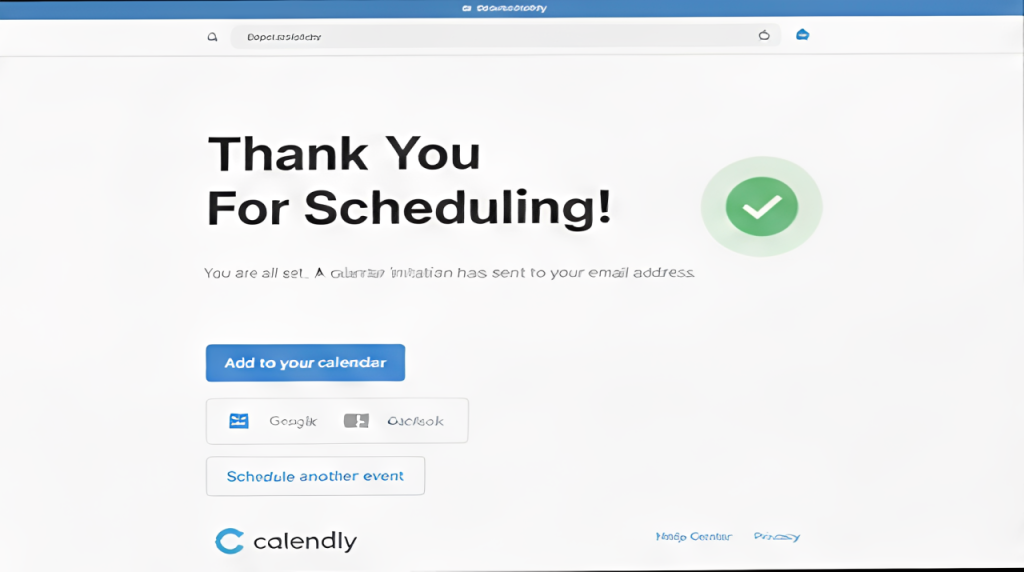
The reason you may want to add a thank you page (which our team can setup for you) is to help track conversions.
Google & Adwords companies may require it so they can show their success.
This has to be done in your account and it can be super hard for us to gain access with 2-Auth being so common. So here is a very easy guide.
Once you get the Thank You Page URL follow these steps:
Note: If you subscribe to Calendly’s Essentials plan, you can perform this procedure.
- From your Home page, select the event.
- Expand the Confirmation Page section.
- Click Add Custom Link, enter a name for the link, the URL (web address, e.g. ”http://www.virtualinnovation.co.nz”), then click Add.
- To add additional links, repeat Step 3.
- Click Save & Close.