
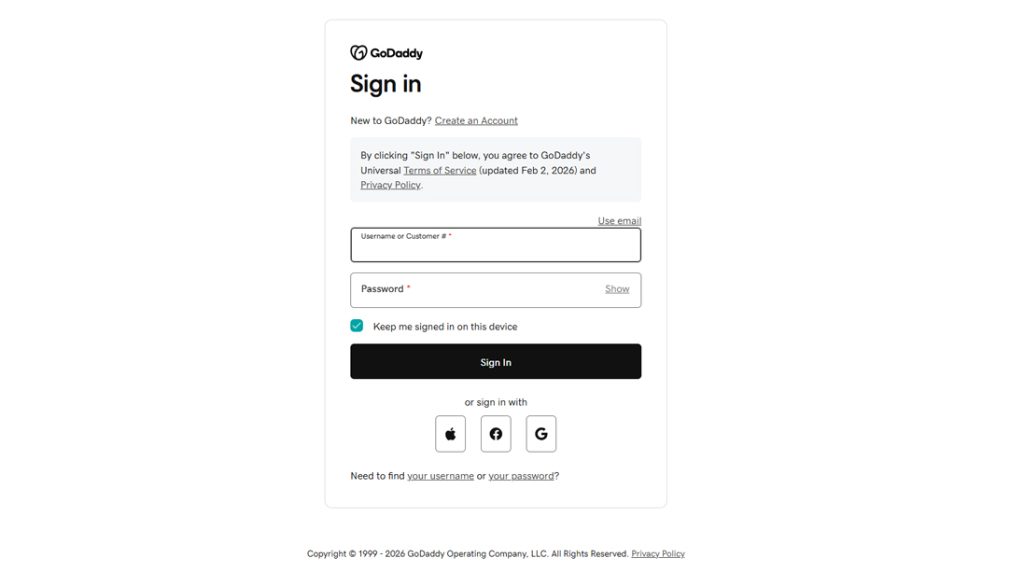
- Go to your GoDaddy Delegate Access page. You might be prompted to sign in.
- In the People who can access my account section, select Invite to Access.
- Enter the Name and Email address of the person you’re inviting.
- Select one of the access levels.
- Select Invite. We’ll send the person an email invitation to access your account. Once the person accepts, we’ll let you know.
- SEO Migration Process for your New WordPress Websites