
Why website speed matters: boost conversions and trust
Discover why website speed matters for NZ small businesses. Learn how faster load times boost conversions, build trust, and improve your Google r...

Small businesses in New Zealand face a sobering reality: 43% of cyberattacks target small businesses, making website maintenance more critical than ever. Website maintenance means regular care and updates to keep your website secure and working well. This guide explains what website maintenance involves, why it protects your business from security threats and lost customers, and how to implement a practical maintenance plan that fits your budget and expertise.
| Point | Details |
|---|---|
| Security protection | Website maintenance keeps your site secure, fast, and relevant through regular updates and monitoring. |
| Essential tasks | Core activities include security patches, content refreshes, broken link fixes, and SEO health checks. |
| Business risks | Neglecting maintenance risks data breaches, poor customer experience, and lost revenue. |
| Approach options | DIY maintenance saves money but carries risks; professional services add reliability and expert oversight. |
| Practical planning | A balanced maintenance plan considers frequency, budget, and available expertise to sustain website health. |
Website maintenance means continuous care to keep your website updated and safe. Think of it like servicing your car: regular checks prevent breakdowns and keep everything running smoothly. For New Zealand small businesses, this ongoing attention protects your online presence and supports business growth.
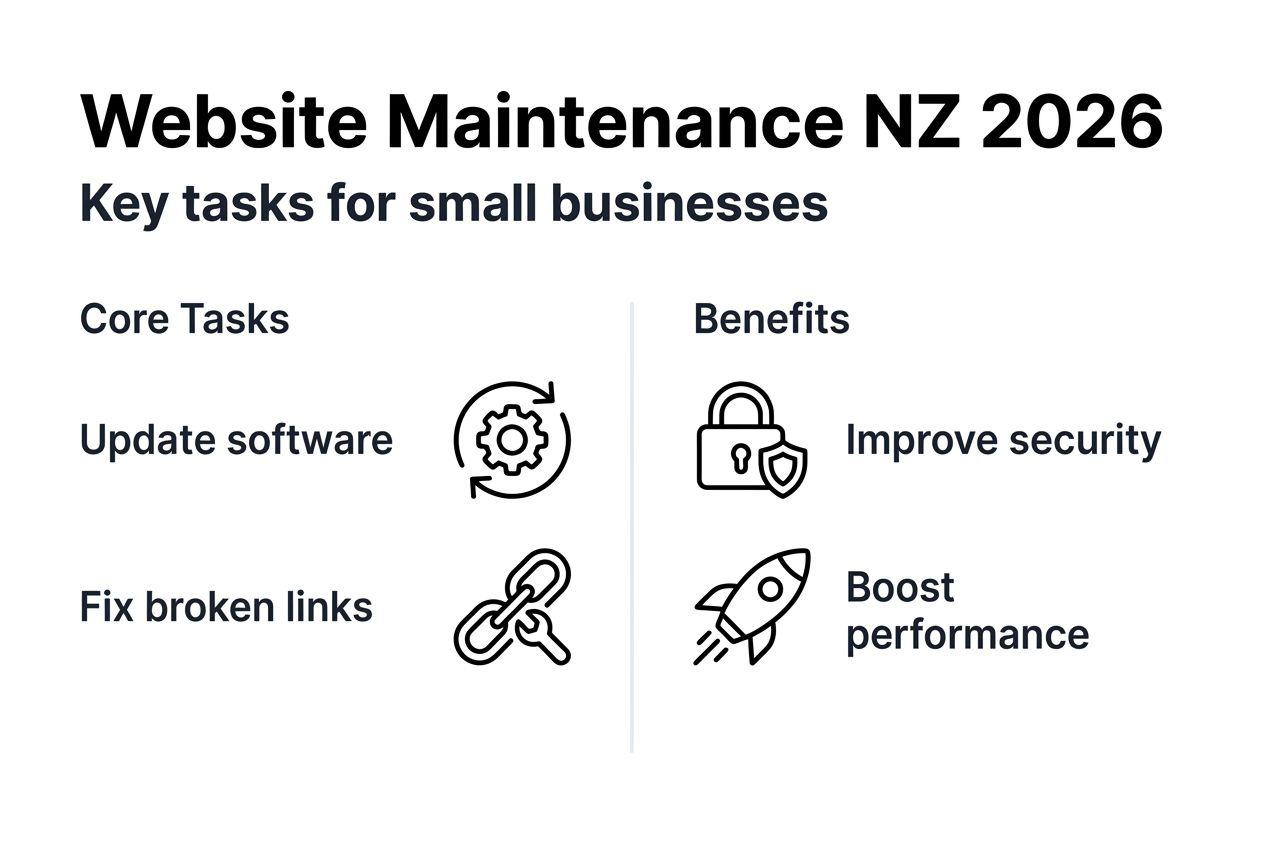
Tasks typically include updating software, fixing errors, refreshing content, and checking SEO health. Each activity serves a purpose. Security updates block hackers. Fresh content keeps visitors engaged. Speed optimisations improve user experience. Together, these actions maintain a professional, trustworthy website that works for your business.
Maintaining your website protects it from security threats, improves customer experience, and builds trust. When visitors find current information and fast loading times, they’re more likely to stay and convert. Neglecting website maintenance can result in data breaches and lost revenue for small businesses. The cost of prevention is always lower than the cost of recovery.
Ignoring maintenance can lead to downtime, hacks, and income loss. A compromised website might leak customer data, crash during peak hours, or disappear from search results. These scenarios damage your reputation and bottom line.
Security, performance, and content relevance are the three pillars to balance in website upkeep:
“Website maintenance isn’t a luxury for small businesses. It’s essential protection for your digital assets and customer relationships.”
Balancing these three pillars creates a resilient online presence that supports your business goals and adapts as your company grows.
Regularly apply security patches and update software promptly to block vulnerabilities. Hackers constantly search for outdated systems to exploit. When your content management system, plugins, or themes release updates, install them quickly. This simple action prevents most security breaches.
Fix broken links and update outdated content to maintain user trust and SEO. Nothing frustrates visitors more than clicking a link that leads nowhere. Regular content reviews ensure information stays current and accurate. Search engines reward websites that provide fresh, valuable content.
Optimise performance by improving loading speeds and user experience. Easy website updates for NZ service firms shows how simple changes make big differences. Compress images, enable caching, and remove unnecessary code. These technical tweaks keep visitors engaged.

Perform SEO audits to keep search rankings healthy by fixing metadata and keyword usage. Regular checks identify opportunities to improve visibility. Update title tags, meta descriptions, and header structures. Monitor how your pages rank for target keywords and adjust accordingly.
Pro Tip: Set calendar reminders for maintenance tasks so nothing slips through the cracks. Automation tools can handle routine checks while you focus on running your business.
Website maintenance tasks typically include security patching, content updates, broken link fixes, performance optimisation, and SEO checks, with frequencies ranging from weekly to quarterly. Schedule tasks from weekly for security checks to quarterly for content refreshes, adjusting by site complexity:
Your specific schedule depends on your website’s complexity and business needs. E-commerce sites require more frequent attention than simple brochure websites. Why update your website 2026 explains the revenue impact of regular maintenance.
Auckland web designers can help you establish a maintenance routine that matches your resources and protects your investment.
Security breaches often target small businesses, risking customer data and trust. Hackers assume smaller companies have weaker defences and fewer resources to respond. Neglected websites are more vulnerable to hacks leading to downtime, lost revenue, and reputational damage. One breach can destroy years of relationship building.
A slow or poorly functioning website drives visitors away, reducing sales. Slow websites have higher bounce rates and lower conversions, directly impacting sales. Research shows users abandon sites that take more than three seconds to load. Every delay costs you potential customers.
Search engines favour regularly maintained sites, so upkeep helps SEO rankings. Google’s algorithms reward websites that provide current, relevant content with fast loading times. Regular maintenance signals to search engines that your site deserves higher visibility. This organic traffic is valuable because it costs nothing beyond your maintenance investment.
Good user experience improves customer retention and engagement on your site. When visitors find what they need quickly, they’re more likely to return and recommend your business. Smooth navigation, mobile responsiveness, and clear calls to action all stem from consistent maintenance.
The benefits compound over time:
“Your website is often the first impression customers have of your business. Regular maintenance ensures that impression is always positive and professional.”
For service-based New Zealand companies, your website often closes the sale. Maintenance ensures it’s always ready to convert visitors into customers.
Myth: Maintenance is only needed after problems appear.
Fact: Regular updates prevent major issues. Waiting for problems guarantees more expensive, disruptive fixes. Proactive maintenance catches small issues before they become emergencies. It’s far cheaper to prevent a security breach than to recover from one.
Myth: Maintenance is too costly for small businesses.
Fact: Proactive maintenance reduces long-term costs and prevents costly breakdowns. A monthly maintenance plan costs less than emergency developer fees or lost sales from downtime. Consider maintenance an insurance policy for your digital presence. Cost-saving website features demonstrates how strategic investments reduce overall expenses.
Myth: Website design and maintenance are the same.
Fact: Design is one-off; maintenance is ongoing care. Building a website is like constructing a house. Maintenance is like cleaning, repairs, and upgrades that keep it liveable. Both are necessary, but they serve different purposes at different times.
Other common misconceptions include:
Pro Tip: Start with a simple maintenance checklist and expand it as you learn your website’s specific needs. Many tasks become routine once you understand the process.
Understanding these realities helps you make informed decisions about protecting your digital investment. Maintenance isn’t optional; it’s a core business function for any company with an online presence.
DIY maintenance can be low cost but requires technical skills and risks security gaps. If you’re comfortable with technology and have time to learn, you can handle basic tasks like content updates and plugin installations. However, security monitoring and performance optimisation require deeper expertise.
DIY maintenance offers cost savings but carries risks of missed updates and no support, while professional services provide comprehensive security, backups, and expert oversight. Professional plans offer reliable updates, security monitoring, backups, and faster problem fixes. When issues arise at midnight, professional services respond immediately. You focus on your business while experts handle technical details.
Choosing depends on budget, in-house skills, desired risk level, and business growth goals. A comparison helps clarify which approach suits your situation:
| Factor | DIY Maintenance | Professional Service |
|---|---|---|
| Cost | Lower upfront, higher risk costs | Predictable monthly fee |
| Time investment | Significant learning curve | Minimal, experts handle tasks |
| Security monitoring | Manual, can miss threats | 24/7 automated monitoring |
| Backup reliability | Depends on your consistency | Automatic, tested backups |
| Emergency support | You handle alone | Immediate expert response |
| Expertise | Limited to your knowledge | Access to specialists |
Consider these factors when deciding:
Easy website updates NZ offers guidance for service firms considering their options. Many businesses start with DIY and transition to professional services as they grow.
Pro Tip: A hybrid approach often works well. Handle simple content updates yourself while outsourcing security and technical maintenance to professionals.
The right choice depends on your unique situation. Honest assessment of your capabilities and business needs guides the best decision.
Develop a clear schedule for maintenance tasks, typically monthly with immediate critical updates. A monthly maintenance schedule with immediate patching balances update needs and resource use effectively. Document what needs checking and when. This structure prevents forgotten tasks and creates accountability.
Balance in-house tasks (like content updates) with outsourced professional services for security. You know your content best, so managing updates makes sense. Technical security work benefits from specialist expertise. This division of labour maximises efficiency and protection.
Use monitoring tools and regular backups to protect site data and performance. Automated monitoring alerts you to issues before they impact visitors. Regular backups provide recovery options if something goes wrong. Test backups periodically to ensure they actually work when needed.
Budget realistically to make maintenance sustainable and cost-effective. Cost-saving website features helps you allocate funds wisely. Consider maintenance a regular business expense like rent or insurance. Planning for these costs prevents surprises and ensures consistent care.
Adjust plans as your business and website grow. What works for a five-page brochure site won’t suit an e-commerce platform. Review your maintenance approach annually and adapt as needed.
Practical implementation steps:
Pro Tip: Start with basic security and backup tasks, then expand your maintenance routine as you build confidence and understanding.
Recession-proof your website demonstrates how strategic maintenance supports business resilience during challenging times. Your maintenance plan should evolve with your business, protecting your investment through every growth stage.
Website maintenance is essential for security, performance, and customer trust. It’s not a technical luxury but a business necessity. Your website represents your company online, and maintenance ensures that representation stays professional, secure, and effective.
Consistent upkeep improves SEO, user experience, and protects your revenue. The investment pays for itself through prevented problems, higher search rankings, and better conversion rates. Every task you complete strengthens your online presence.
Implement a routine plan matching your budget and expertise levels. Start simple and build from there. Whether you choose DIY, professional services, or a hybrid approach, having a plan beats having none.
Consider professional maintenance services to ensure reliability and peace of mind. Experts handle technical complexities while you focus on growing your business. The time you save and problems you avoid often justify the cost.
Key actions to take now:
Reach out to local NZ experts like Virtual Innovation for tailored support. Professional guidance ensures your maintenance plan actually works for your specific business needs.
Keeping your website secure and performing well shouldn’t be stressful. Virtual Innovation specialises in maintaining and enhancing websites for New Zealand small businesses. Our professional services ensure your site stays secure, fast, and SEO-optimised without you worrying about technical details.

We understand service-based companies need reliable online presence to attract customers. Choose tailored maintenance plans or expert WordPress developer services to grow your online presence. Our WordPress website design services combine beautiful design with ongoing care.
Get peace of mind knowing experienced local experts support your website’s health. We’re Auckland-based, speak your language, and understand New Zealand business needs. Contact Virtual Innovation today to discuss how we can keep your website running smoothly while you focus on what you do best.
Website maintenance encompasses ongoing updates and care for site security, performance, and content relevance. It includes applying security patches, updating software, refreshing content, fixing broken elements, and monitoring performance metrics. These activities work together to keep your website functioning properly and serving your business goals.
Maintenance is necessary for protecting against security risks and improving customer experience. Without regular attention, websites become vulnerable to hackers, slow down over time, and display outdated information that damages credibility. Consistent maintenance prevents these problems while strengthening your online presence. Why update your website explains the direct connection between maintenance and business revenue.
Monthly website maintenance with immediate critical patching is an effective schedule for most small businesses. Check for security updates weekly and apply them immediately when released. Conduct comprehensive reviews of content, SEO, and functionality monthly. Adjust frequency based on your website complexity and business needs. E-commerce sites or high-traffic websites require more frequent attention than simple brochure sites. Website update frequency guidance helps you determine the right schedule for your situation.
DIY can save money but requires time and technical skills, with some security risks. If you’re comfortable with technology and willing to learn, you can handle basic content updates and plugin management. However, security monitoring, performance optimisation, and technical troubleshooting benefit from professional expertise. Professional services provide reliable updates, automated backups, 24/7 security monitoring, and immediate expert support when problems arise. DIY vs professional maintenance explores both approaches to help you choose wisely.
Neglected websites risk data breaches, downtime, loss of customer trust and revenue. Security vulnerabilities multiply when patches aren’t applied, making your site an easy target for hackers. Website downtime damages your business reputation and stops sales completely during outages. Poor search rankings reduce visibility as search engines favour well-maintained competitors. Reduced customer engagement follows when visitors encounter slow loading times, broken links, or outdated information. These problems compound over time, making recovery increasingly difficult and expensive.