
Why website speed matters: boost conversions and trust
Discover why website speed matters for NZ small businesses. Learn how faster load times boost conversions, build trust, and improve your Google r...

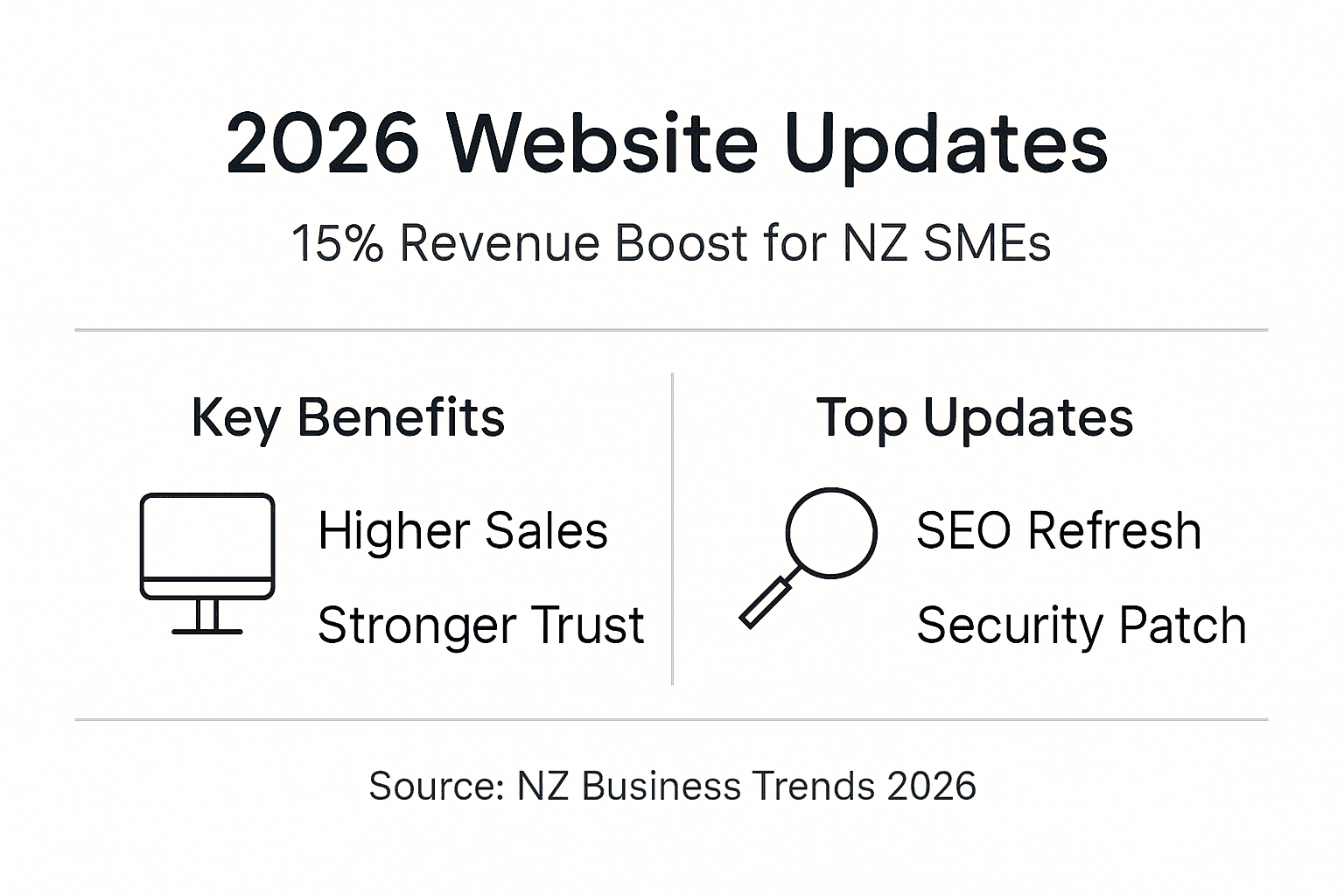
Outdated websites cost small New Zealand businesses up to 15% in lost annual revenue, yet many owners view updates as optional. Regular website maintenance delivers measurable improvements in search visibility, security, customer trust, and operational efficiency. This guide explains why website updates matter beyond aesthetics and how quarterly refresh cycles maximise returns while controlling costs for service companies across New Zealand.
| Point | Details |
|---|---|
| Search rankings improve | Fresh content and security updates boost visibility and drive 10 to 30% more traffic. |
| Security risks decrease | Regular patches prevent exploits that target outdated CMS and plugin vulnerabilities. |
| Customer trust grows | Faster load times and modern design signal professionalism and build loyalty. |
| Efficiency increases | Updated web tools automate tasks, saving service firms up to 25% of admin time. |
| Quarterly cycles work best | Balanced update schedules optimise cost, effort, and sustained performance gains. |
Search engines reward websites that demonstrate relevance and reliability. Regular website content updates signal freshness to Google’s algorithms, improving your position in search results. Security improvements bundled with updates also contribute positively to rankings, as search engines favour sites that protect visitor data.
Stagnant websites steadily lose ground to competitors who refresh their content and technical infrastructure. Studies show typical traffic growth ranges from 10% to 30% following strategic updates. The benefits compound over time as search engines recognise your commitment to maintaining quality.
Key ranking factors influenced by updates:
This table shows average traffic improvements by update type:
| Update Type | Average Traffic Increase | Implementation Time |
|---|---|---|
| Content refresh | 15 to 25% | 3 to 5 hours monthly |
| Technical SEO | 10 to 20% | 4 to 6 hours quarterly |
| Security patches | 5 to 10% | 1 to 2 hours monthly |
| Combined approach | 25 to 40% | 8 to 12 hours quarterly |
Pro Tip: Combine content refreshes with technical SEO improvements during quarterly update cycles to maximise ranking gains while minimising disruption to your business operations.
Cyberattacks increasingly target small businesses because they often lack robust security protocols. A majority of website hacks exploit outdated CMS and plugin vulnerabilities, making regular patching essential for protection. Customer trust evaporates quickly after data breaches, with lasting damage to reputation and revenue.
Small businesses often neglect security patches, creating easy targets for automated attacks that scan for known vulnerabilities. WordPress, Shopify, and other platforms release patches specifically to address newly discovered security flaws. Delaying these updates leaves your customer data, business information, and website functionality exposed.
Critical security update priorities:
New Zealand service companies face particular risks due to limited IT resources and expertise. Automated update tools or managed WordPress website security tips services remove the burden of tracking patch releases while maintaining protection.
Pro Tip: Schedule automated security scans weekly and apply critical patches within 48 hours of release to stay ahead of exploit attempts targeting your industry.
Website performance directly influences customer perception and behaviour. Visitors abandon slow-loading pages within seconds, costing you potential leads and sales. Modern design standards evolve rapidly, and outdated interfaces signal neglect rather than professionalism.

Up-to-date websites encourage repeat visits and deeper engagement. Fresh content gives returning customers reasons to explore new offerings, while improved navigation helps first-time visitors find information quickly. These factors combine to boost conversion rates across all customer touchpoints.
User experience improvements from regular updates:
Customer retention increases measurably when websites feel current and professional. A design refresh consideration every 18 to 24 months maintains relevance without requiring complete rebuilds. Small incremental improvements keep pace with changing expectations while controlling costs.
Modern web tools integrated into your website streamline daily business operations. Automated booking systems, client management portals, and invoice generation features reduce manual workload and minimise errors. Small service companies report up to 25% time savings after implementing updated tools.
Integration with customer relationship management systems improves data organisation and accessibility. Your team spends less time on repetitive administrative tasks and more time delivering value to customers. These efficiency gains translate directly to cost savings and revenue growth.
Priority automation updates for service businesses:
This table compares efficiency impacts across common update types:
| Tool Update | Time Saved Weekly | Customer Satisfaction Impact | ROI Timeline |
|---|---|---|---|
| Booking automation | 5 to 8 hours | High | 2 to 3 months |
| Client portal | 3 to 5 hours | Medium to high | 3 to 4 months |
| Email automation | 4 to 6 hours | Medium | 2 to 3 months |
| Payment processing | 2 to 4 hours | High | 1 to 2 months |
Pro Tip: Prioritise easy website upgrades for service firms that align with your specific business workflows and pain points for fastest returns on update investments.
Many small business owners hesitate to maintain their websites due to misunderstandings about costs, complexity, and benefits. These misconceptions prevent businesses from accessing measurable improvements in performance and revenue.
Myth: Updates are prohibitively expensive and technically challenging for small businesses. Reality shows incremental updates requiring less than 5 hours monthly sustain SEO and security affordably. Professional agencies offer flexible packages matching small business budgets and technical capabilities.
Myth: More frequent minor updates always outperform scheduled maintenance. Research demonstrates quarterly updates offer better cost-benefit than very frequent small tweaks, balancing resource investment with sustained improvements.
Myth: Only complete redesigns improve website performance meaningfully. Targeted cost-effective website updates addressing specific issues deliver most benefits at lower cost and disruption than full rebuilds.
Common update approach comparison:
| Approach | Average Cost | Business Disruption | Performance Impact | Best For |
|---|---|---|---|---|
| Full redesign | $8,000 to $20,000 | High (2 to 4 weeks) | Very high | Major brand changes |
| Quarterly updates | $500 to $1,500 | Minimal (hours) | High over time | Ongoing maintenance |
| Monthly tweaks | $200 to $600 | Very low | Moderate | Active content sites |
| Reactive fixes | Variable | High when urgent | Low | Emergency only |
Understanding these realities helps you choose effective strategies matching your business needs and resources. The redesign versus updates decision depends on your current website condition and business goals.
Developing a systematic approach to website maintenance maximises returns while controlling effort and expense. This framework guides New Zealand small businesses through practical update planning.
Step 1: Assess your current website performance using tools like Google Analytics, PageSpeed Insights, and security scanners. Identify specific weaknesses in traffic, speed, security, or functionality that impact business results.
Step 2: Prioritise updates addressing SEO visibility, security vulnerabilities, and customer trust factors first. These areas deliver immediate measurable benefits and protect against costly problems.
Step 3: Schedule quarterly update cycles balancing regular maintenance with resource availability. This frequency optimises sustained improvements without overwhelming your team or budget.
Step 4: Choose incremental targeted updates over full redesigns when possible. Focus resources on high-impact changes rather than comprehensive overhauls.
Step 5: Monitor website metrics continuously using analytics dashboards. Track traffic, conversion rates, and customer feedback to refine your update strategy over time.
Prioritisation framework by impact level:
| Priority Level | Update Type | Business Impact | Recommended Frequency |
|---|---|---|---|
| Critical | Security patches | Prevent breaches | Immediate when released |
| High | SEO optimisation | Increase visibility | Quarterly |
| High | Speed improvements | Reduce abandonment | Quarterly |
| Medium | Content refresh | Maintain relevance | Monthly to quarterly |
| Medium | Design updates | Improve trust | Every 18 to 24 months |
| Lower | Feature additions | Enhance functionality | As needed |
Pro Tip: Align your update schedule with business cycles and seasonal trends in your industry to maximise relevance and customer engagement during peak periods.
Website updates deliver measurable improvements across visibility, security, customer trust, and operational efficiency. The evidence clearly demonstrates that regular maintenance provides substantial returns through increased traffic, reduced risks, and time savings.
Adopting a structured quarterly update schedule represents a smart investment in sustained business growth. Small New Zealand businesses can access affordable incremental updates tailored to their specific needs and resources. Professional guidance helps navigate technical complexities while keeping costs manageable.
Your website remains your most valuable digital asset. Maintaining its performance through regular updates protects this investment and positions your business for continued success in an increasingly online marketplace.
Ready to unlock the benefits outlined in this guide? Virtual Innovation specialises in affordable, effective website design and update services for New Zealand small businesses. We understand service companies need practical solutions that improve results without technical headaches.

Our team delivers tailored WordPress website design in New Zealand that improves SEO, strengthens security, and enhances user experience. We help service firms automate processes and grow their online presence through easy website updates for NZ service firms that fit your budget and schedule. Our friendly, down-to-earth approach recognises you’re running a business, not studying web development.
Whether you need quarterly maintenance, security hardening, or performance optimisation, we manage the technical details while you focus on serving customers. Our SEO migration process for WordPress websites ensures transitions preserve your hard-earned search rankings.
Quarterly updates balance cost and effectiveness for most small businesses, maintaining SEO performance and security without excessive resource demands. Urgent security patches should be applied immediately when released, regardless of your regular schedule. Content refreshes can happen more frequently if you have dedicated resources and active audience engagement.
Security patches, SEO-focused content updates, and user experience improvements form the top priorities for maintaining competitive performance. Operational tool updates add significant efficiency gains for service companies managing appointments, invoices, and customer relationships through their websites.
Small incremental content updates can often be handled in-house with basic training and content management system familiarity. Complex security patches, technical SEO optimisation, or design redesigns are usually best managed by professionals who understand the technical requirements and potential risks.
Regular updates improve site speed, design quality, and security, signalling professionalism and reliability that build customer confidence. Customers are more likely to engage deeply and return to well-maintained websites that demonstrate ongoing attention to quality and user experience.