
Why website speed matters: boost conversions and trust
Discover why website speed matters for NZ small businesses. Learn how faster load times boost conversions, build trust, and improve your Google r...

Many clinics across Auckland struggle when their websites feel confusing or fail to meet patients’ real needs. For medical professionals, having a site that welcomes visitors, answers questions, and supports modern patient care is vital to stand out in the New Zealand community. By focusing on defining clear website goals and requirements, you lay the groundwork for a patient-centred site that builds trust and ensures every click helps your clinic thrive.
| Key Point | Explanation |
|---|---|
| 1. Define clear website goals | Establish specific, measurable goals to guide your site’s development and align with patient needs. |
| 2. Secure your WordPress platform | Implement security measures like two-factor authentication and SSL certificates to protect patient data. |
| 3. Focus on patient experience in design | Ensure intuitive navigation and easy access to essential information to enhance patient satisfaction. |
| 4. Include essential medical features | Add valuable content like service descriptions, staff qualifications, and online booking to engage patients. |
| 5. Thoroughly test before launch | Check all site functionalities and ensure accessibility to prevent issues that could deter patients. |
Before you build anything, you need to know what you’re building and why. Without clear goals, your website becomes a digital version of a waiting room with no appointments booked. Defining your website’s purpose means identifying what services your patients need to find, what information they’re searching for, and what actions you want them to take.
Start by writing down what matters most to your clinic. Are you trying to attract new patients? Build credibility in your local area? Make it easier for current patients to book appointments or access their health records? Perhaps you need to improve how visitors navigate your site to reduce the number who leave without taking action. Understanding why visitors leave your website can help you avoid common pitfalls before they happen.
Think about your patients and what they actually need. They want to know your location, opening hours, how to book an appointment, and whether you bulk bill. They might search for specific services you offer. When you understand these patient needs, you can align your website’s functionality with what matters most to them.
Define specific, measurable goals rather than vague ones. “Get more patients” is a starting point, but “attract 20 new patients per month from online bookings” gives you something to measure.
Consider the legal side as well. Medical websites have responsibilities around accessibility and data protection. Ensuring equitable digital access means your website works for everyone, including people with disabilities. This is both ethical and legally important for clinics operating in New Zealand.
Write down your three to five main goals. Examples might include:
Once you’ve defined your goals, your website has direction. Every design decision, every page, every feature serves a purpose rather than just sitting there looking professional.
To clarify how good planning shapes medical website success, here is a summary of how key goals affect clinic outcomes:
| Website Goal | Patient Benefit | Clinic Outcome |
|---|---|---|
| Online bookings | Book appointments anytime | More efficient scheduling |
| Reduced info phone calls | Answers without waiting | Less staff time spent on phones |
| Trust-building testimonials | Reassurance from real experiences | Stronger clinic reputation |
| Clear service details | Understand offerings and fees | Attracts informed new patients |
| Privacy and data compliance | Confidence in sharing information | Low risk of legal or trust issues |
Pro tip: Share your goals with your team before building—they’ll use the website daily and can tell you what patients actually ask about most often.
Security isn’t something you add later—it’s part of the foundation. A hacked medical website puts patient data at risk and damages your clinic’s reputation. Setting up WordPress securely from the start means you can focus on patient care instead of dealing with breaches and recovery.
Start with the basics. WordPress powers millions of websites, and that makes it a target. Your first job is keeping WordPress sites secure by applying updates promptly. When WordPress releases a new version, install it immediately. Same goes for plugins and themes—outdated software is like leaving the front door unlocked.
Choose strong passwords for your admin account. Not “password123” or your clinic name. Think random combinations of letters, numbers, and symbols. Most hosting providers offer password managers built in, so there’s no excuse for weak credentials.
Install an SSL certificate so your site uses HTTPS rather than HTTP. This encrypts data between your website and patient browsers, protecting appointment details and personal health information. Many hosting providers include free SSL certificates these days, so ask your provider if it’s already enabled.
Security is ongoing, not a one-time task. Think of it like clinic hygiene—you don’t clean once and stop. You maintain it daily.
Consider adding a security plugin. These monitor your site, block suspicious login attempts, and alert you to problems before they become crises. A plugin acts like a security guard watching your digital door.
Here’s what your security setup should include:
Think of these steps as insurance. They take a little time now but save you enormous headaches later. Your patients trust you with their health information—prove you’re protecting it properly.
To help you select critical WordPress security steps, here is a comparison of their practical effects:
| Security Action | What It Does | Why It Matters |
|---|---|---|
| Automatic core updates | Installs latest WordPress fixes | Blocks common hacking methods |
| Security plugin | Monitors and blocks attacks | Alerts you to threats early |
| Two-factor authentication | Adds login code step | Stops unauthorised access |
| Limit login attempts | Caps failed logins per user | Prevents brute force hacking efforts |
| Regular backups | Saves copies of your website | Enables fast restoration if necessary |
Pro tip: Schedule a monthly reminder to check for WordPress updates and run a security scan, treating it like any other clinic maintenance task you wouldn’t skip.
Your website should feel like stepping into your clinic reception area. Patients arrive with questions, needs, and sometimes anxiety. Good design answers their questions quickly and makes them feel welcome before they ever call or book an appointment.

Think about what patients actually do when they visit. They search for your address and opening hours. They want to know if you bulk bill or what your fees are. They need to book an appointment without jumping through hoops. When you design around these real patient tasks, everything else falls into place.
Start with clear navigation. Your menu should be simple enough that a stressed patient can find what they need in two clicks. No buried pages or confusing category names. Main sections might include “About us”, “Services”, “Appointments”, and “Contact”. Your website should function as a virtual extension of your medical practice, creating the same welcoming feeling patients get walking through your door.
Make appointment booking obvious and easy. If patients have to search for how to schedule, they’ll just call. Put a booking button somewhere visible on every page. Better yet, let them book directly through your site rather than forwarding them elsewhere.
Patient experience starts before the first visit. Your website is often their first impression of your clinic, so make it count.
Content matters more than flashy design. Patients want to understand your services, your qualifications, and whether you’re the right clinic for them. Write in plain language, not medical jargon. Explain what conditions you treat, what to expect during appointments, and how to prepare.
Consider how people actually use your site:
Include patient testimonials and photos of your actual clinic if possible. Real patients recommending your services builds confidence more than any marketing copy.
Pro tip: Ask 3-5 of your happiest patients to share a brief testimonial about their experience, then feature these prominently on your homepage and services pages.
Your website needs more than pretty design. Medical sites require specific features and content that build patient trust and provide real value. This is where your website becomes a working tool for your clinic rather than just an online brochure.
Start by adding detailed information about the conditions and services you treat. Patients often research before calling, so give them something meaningful to read. Explain what to expect during an appointment, what preparation they might need, and how your clinic approaches treatment. This reassures nervous patients and sets realistic expectations.
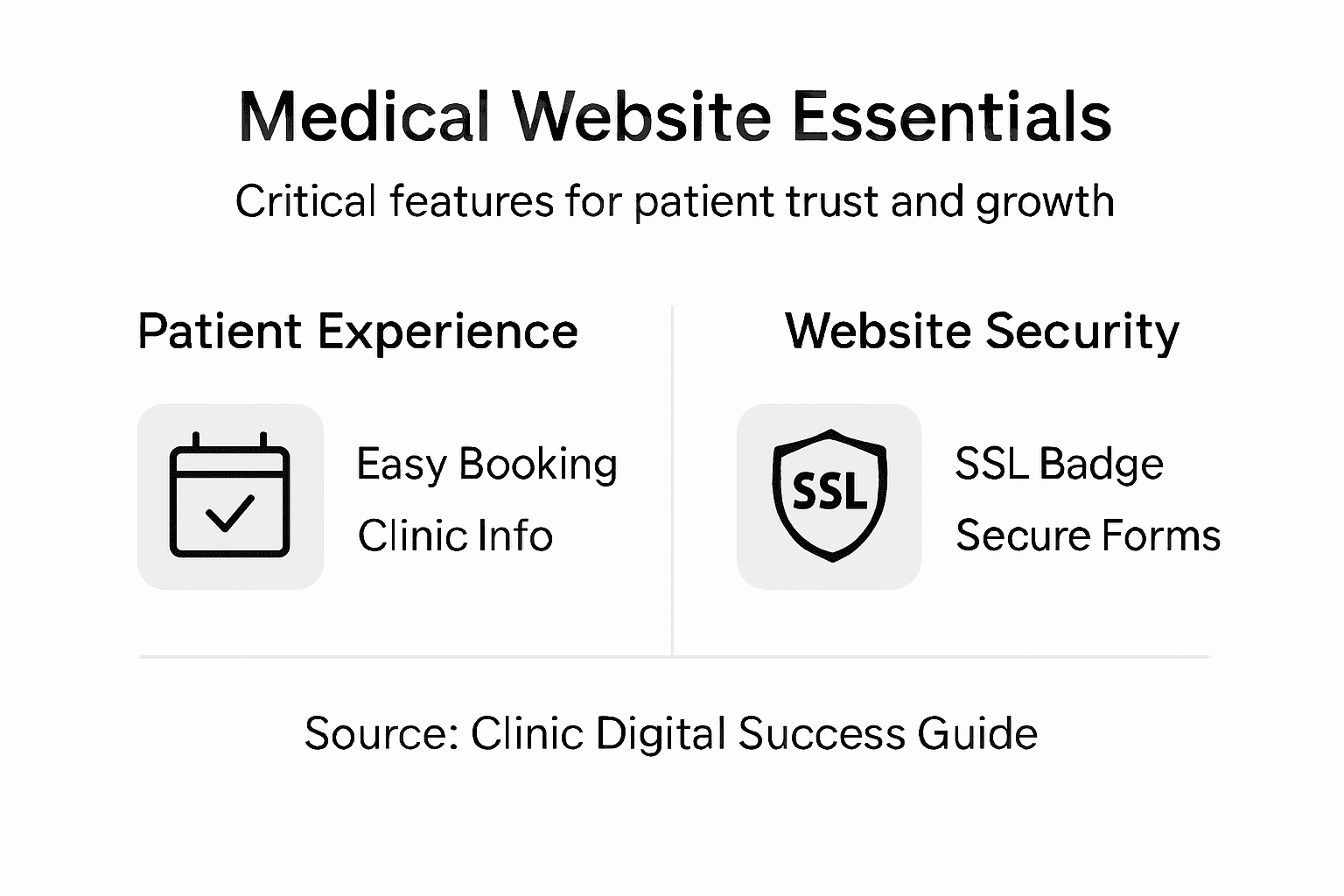
Include a staff directory with photos and credentials. Patients want to know who they’re seeing. List your qualifications, experience, and any special interests or certifications. A real photo and a few sentences about each practitioner builds connection and trust.
Add an online appointment booking system if you can. This single feature dramatically reduces phone calls and lets patients book at times that suit them, not just your office hours. Many clinic software platforms integrate directly with WordPress, making this straightforward to set up.
Authoritative, easy-to-understand health information keeps patients engaged and positions your clinic as a trusted resource, not just a service provider.
Incorporate patient education content. Write about common conditions, preventive care, or wellness topics relevant to your practice. Resources like patient-friendly health information show what good medical content looks like—clear language without talking down to readers.
Consider these essential features for a medical website:
Add a contact form that captures patient enquiries. Some people prefer typing a message to calling. Make sure your team reviews these daily and responds promptly.
Include your bulk billing status clearly. Auckland patients often search for this specifically, so stating it upfront saves everyone time and filters for the right audience.
Pro tip: Start with your five most frequently asked patient questions, then write clear, friendly answers for your website—this content will handle common enquiries automatically.
You’re almost there. Before you tell patients your website is live, you need to thoroughly test everything. A broken booking system or slow-loading pages will drive patients away before you’ve even started.
Begin with the basics. Test every link on your site—click through menus, check that appointment booking works end to end, and verify contact forms actually send you messages. Browse on your phone, tablet, and desktop. Many patients visit on mobile, so mobile responsiveness isn’t optional.
Test accessibility features. Can someone increase the text size? Can they navigate using keyboard only? These aren’t nice-to-haves for medical sites—they’re legal requirements in many cases. Your website should work for everyone, including people with vision or mobility disabilities.
Check that your SSL certificate is working properly. When patients see that padlock icon in their browser, they know their data is encrypted. Test this on every page, particularly on forms where they enter sensitive information.
Proof all content carefully. Typos on a medical website undermine credibility. Have someone other than the person who wrote it review the text. Check that opening hours, phone numbers, and service descriptions are accurate.
A thorough website launch checklist catches problems before patients discover them, saving you reputation damage and frantic fixes later.
Set up analytics and tracking. You need to know if patients are finding you, which pages they visit, and where they drop off. Google Analytics is free and invaluable for understanding how your website actually performs.
Before going live, confirm these essentials:
Once you launch, don’t just set it and forget it. Monitor your site daily for the first week. Check that bookings arrive properly, contact forms work, and pages load. Have your team test key functions from patients’ perspectives.
Consider asking a few trusted patients to test your site before full launch. They’ll spot things you’ve missed and give honest feedback.
Pro tip: Create a simple document listing every test you performed and when, then do it again after each update—this proves you’re maintaining standards and catches new issues quickly.
Building a medical website that truly works means overcoming common challenges like setting clear goals, ensuring security, and designing for patient experience. You want more online bookings, trusted patient connections, and a secure platform that protects sensitive data while reducing your front desk workload. These key pain points are exactly where expert web design makes the difference.
Virtual Innovation specialises in WordPress solutions tailored for service companies like yours in Auckland and beyond. We understand the importance of creating websites that don’t just look professional but deliver measurable results by aligning with your clinic’s goals. From secure, seamless booking integration to intuitive navigation and compliance with privacy standards, our team works with you every step of the way.
Discover how we translate these success factors into real projects by browsing our Projects Archives – Virtual Innovation. For a deeper look at how strategy meets execution, explore our Hidden Archives – Virtual Innovation.

Ready to transform your medical website into a powerful tool for growth and patient trust? Visit Virtual Innovation today and start building a site that truly supports your clinic’s success.
Start by defining your website goals and requirements, focusing on what your patients need. Next, set up your WordPress platform securely, design the site for patient experience, add essential medical features, and thoroughly test before launching.
Improve patient experience by ensuring clear navigation and easy access to essential information like appointment booking, opening hours, and services offered. Design your website to be user-friendly, allowing visitors to find information within two clicks.
Implement security measures such as regular WordPress updates, strong passwords, and an SSL certificate to encrypt patient data. Additionally, use a security plugin to monitor your site and set up two-factor authentication for added protection.
Attract more patients by setting measurable goals, such as increasing online appointment bookings by 20 per month. Use clear calls to action, showcase patient testimonials, and provide detailed service descriptions to build trust and encourage new patients to book appointments.
Essential content for a medical website includes detailed descriptions of services offered, staff credentials, patient education materials, and frequently asked questions. Create this content in simple language to ensure it is easily understood by all potential patients.
Test your medical website by checking all links, navigation, and form submissions to ensure everything works seamlessly. Conduct tests across different devices and screen sizes, and allow a few trusted patients to review the site for feedback before the official launch.